
I am using locate command.
I want to find all files that end with specific extension and have specific keyword in their name.
For example I want to find image such as this:
myImageFromSummer.jpg
I want to search by keyword "Summer" and extension ".jpg".
How would command look like for this task?
3 Answers
locate -b '*Summer*.jpg' The -b option tells locate to only match the file name and * in the pattern match any number of characters.
Use * in the name part an example would be :
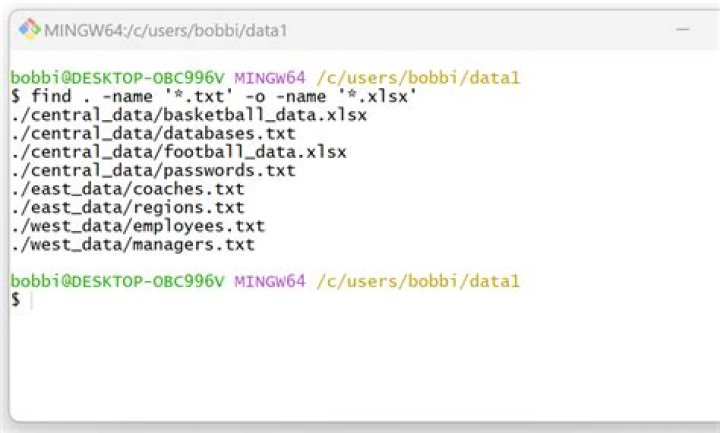
sudo find /etc -name "*.jpg" At least that works for me (I'm a complete newbe here but i know that will work).
sudo <--> to execute the command as root find <--> the commando for searching /etc <--> is the directory where you want to find the archive -name <--> option flag to detail what you are looking for * <--> everything / anything .jpg <--> the extension Now the * can be used in the name part as in the extension part but don't do *.* because it will search for every single file containing a . you have in your search path.
The following will search all mounted file systems:
sudo find / -name \*Summer*.jpg -print If you wanted to search just below the current directory, replace the "/" with a ".".