
I am using a Ryzen processor and, as such, I have been told that I need to use QEMU 3.0 for the SMT patch.
The issue is that I cannot seem to find any way to install it on Ubuntu 18.04 LTS at all. It's not in the repositories, obviously; but, there are also no other PPAs or anything similar.
1 Answer
It seems that we need to compile QEMU 3.0.0 manually.
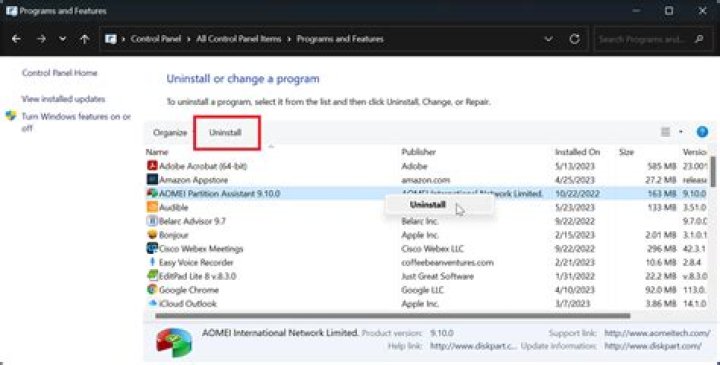
At first we remove version installed from official repository (if any):
sudo apt-get purge "qemu*" sudo apt-get autoremove We should start by installing its build-dependencies - at first enable Source Code repositories in Software and Updates (software-properties-gtk) and then:
sudo apt-get build-dep qemu Then download it, configure and compile:
cd ~/Downloads wget tar -xf qemu-3.0.0.tar.xz cd qemu-3.0.0/ ./configure make and then use checkinstall:
sudo apt-get install checkinstall sudo checkinstall make install sudo apt-get install ./*.deb if you want to remove it - remove its packages as usual.
And as the result you will have QEMU 3.0.0 installed
$ qemu-system-x86_64 --version QEMU emulator version 3.0.0 Copyright (c) 2003-2017 Fabrice Bellard and the QEMU Project developers