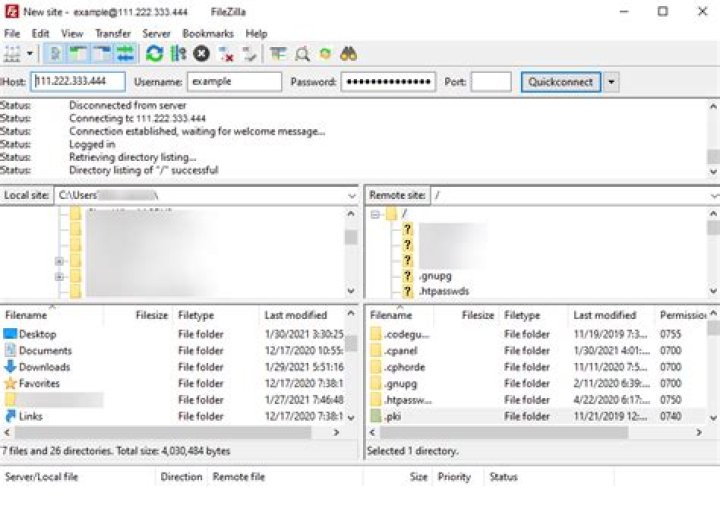

I have downloaded Filezilla Server and FileZilla interface itself. I am having problems when trying to connect.
Can you please guide me on how to precisely connect to the FileZilla server on my localhost?
I currently try:
File > Connect to server: Server Address: 127.0.0.1 (localhost) Port: 21 or 14124
without success.
I left the password box blank, because I do not have a password and do not know where to create one or how. Please explain that.
I have also tried the administrator password and username I use to for my system, but it still does not work.
I check the box where it says, "Always connect to this sever".
I get the following error:
"Error, could not connect to server Trying to reconnect in 5 seconds Reconnecting to server..."
"Error, could not connect to server Trying to reconnect in 5 seconds"
I have also tried to configure my Windows firewall.
21 Answer
It sounds as if your FTP server is not running. You should open the FileZilla Server interface, make sure that a port is configured, and that users have been created. While creating the user, you can also specify the password that should be used, and what the home folder for the user is. After creating the users, you should Start the FTP server.
Also, check if port 14147 is working, the default port for FileZilla.
2



