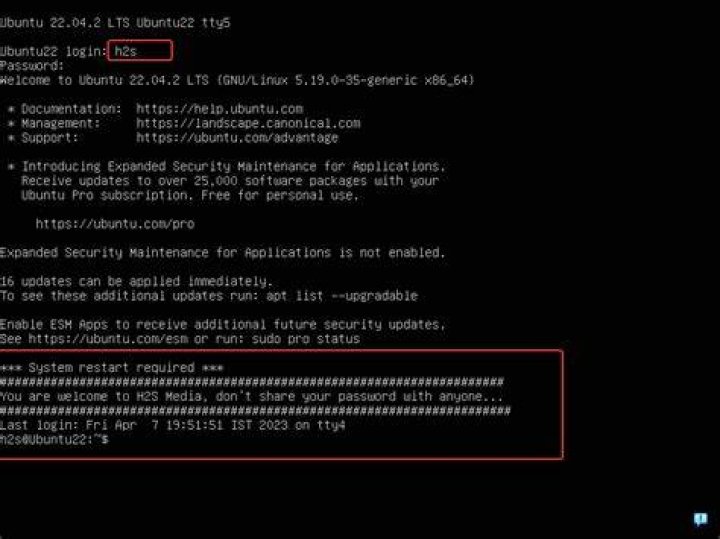

I tried disabling the motd.dynamic in /var/run renaming the file, but did not work because the system recreates the file.
Does anyone know disable it?
17 Answers
Most answers need root access.
Any user can get a clean login(include disabling the MOTD), simply run:
touch $HOME/.hushlogin The script files in /etc/update-motd.d generate the file /var/run/motd.dynamic which you've identified as containing your MOTD.
A simplistic way to stop generating this file would be to make all of the scripts non-executable with:
chmod -x /etc/update-motd.d/* Note: Information taken from this answer by heemayl.
3Another way is to comment out these lines in /etc/pam.d/login:
#session optional pam_motd.so motd=/run/motd.dynamic #session optional pam_motd.so noupdate If anyone landed here because they specifically wanted to disable the "news" (ie. ads/promotional blurbs for things like macOS Kubernetes tooling) portion of the dynamic MOTD, but don't mind the rest being there (eg. the pending updates notification), that's easy too.
example ad in motd:
* "If you've been waiting for the perfect Kubernetes dev solution for macOS, the wait is over. Learn how to install Microk8s on macOS." Just open up /etc/default/motd-news and set ENABLED=0.
As per Alcuin Arundel's answer, also edit /etc/pam.d/sshd and comment out the pam_motd lines to remove the messages when entering through ssh.
There is configuration option in sshd_config, called PrintMotd. Setting it to no does the job.
I found a workaround/hack
ssh -t IP_ADDRESS bash -t to force tty allocation
send the bash command, as sending a command doesn't output any of the bannery business.
have fun
1