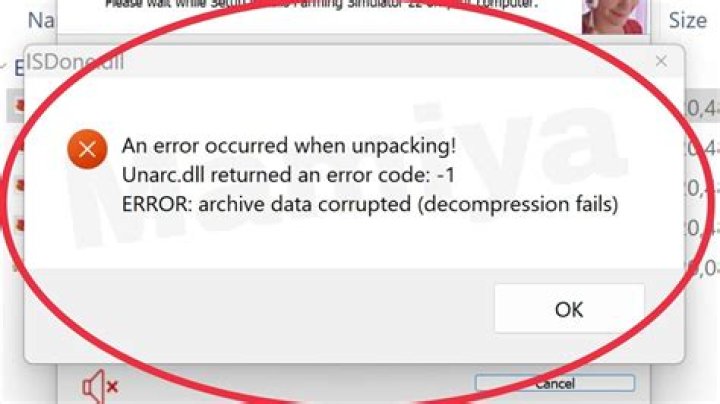

I've gotten stuck on a problem. I'm packaging an existing project into an RPM. It builds fine but when I run
sudo yum localinstal --nogpgcheck <path to rpm>
I get the following error message:
Error: unpacking of archive failed on file <path to symlink>;5656d545: cpio: symlink
The RPM extracts the project into a directory and then updates an existing symlink latest to point to it by doing ln -sfn <app name and version>/ latest
Google yields next to nothing on this issue so I'm hoping that someone with more experience in these matters could offer a hand.
3 Answers
This happen when rpm package owns some directory or file while on the disk the file/directory is symlink. Or vice versa. This is known issue for long time.
You either have to manually remove the symlink before installing/upgrading the package. Or alter the package to not own that file.
1I had a similar problem with CentOS 7.6 and Crystal.
Downloading packages: crystal-0.27.2-1.x86_64.rpm | 38 MB 00:00:02 Running transaction check Running transaction test Transaction test succeeded Running transaction Installing : crystal-0.27.2-1.x86_64 1/1 Error unpacking rpm package crystal-0.27.2-1.x86_64 error: unpacking of archive failed on file /usr/share/crystal/src/lib_c/amd64-unknown-openbsd: cpio: rename Verifying : crystal-0.27.2-1.x86_64 1/1 Failed: crystal.x86_64 0:0.27.2-1 Complete! I ended up deleting the entire path in question: /usr/share/crystal/* which solved the problem.
For me, this happened when I had a symlink pointing to a directory that didn't exist; for example i had a symlink from /opt/ going to /data/, but /data/ didn't exist because i had a spelling error when i mounted the drive (/daat/ if you're wondering).
Make sure your symlink is pointing to a valid location if it's supposed to be there.




