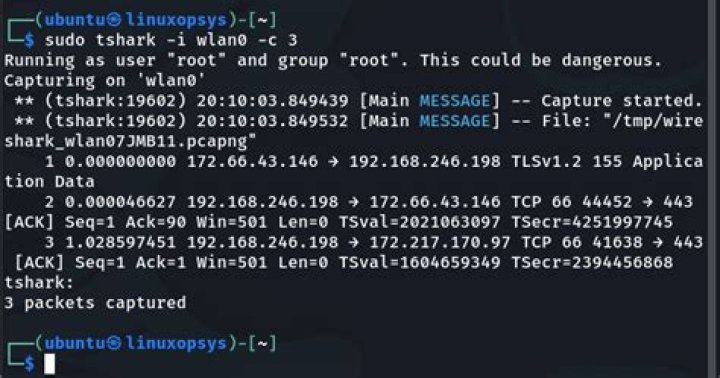
I am trying to capture a range of http response codes using wireshark via the terminal aka tshark. My goal is to sniff packets HTTP, TCP/SSL and just check that the response codes never return a range between 300-500. What is the inline command to achieve this?
tshark -i en1 -Y 'http.response.code == 200' -T fields -e data That launches tshark in the terminal, but the output is blank. The cursor moves like data is being printed to the terminal: 
I know the above is just checking to see if 200 exists, but i am looking for the answer to construct the command that would check for http error response codes in a range and on the secure and unsecured sockets.
This is a guess:
tshark -i en1 -Y 'http.response.code != {300..500}' -T fields -e data UPDATE: So i got it to work as follows:
tshark -i en1 -Y 'http.response.code<500' My question is now, how do I get it to give back https response codes?
1 Answer
Amend your fields list to actually display the http response code field, i.e. -e http.response.code




