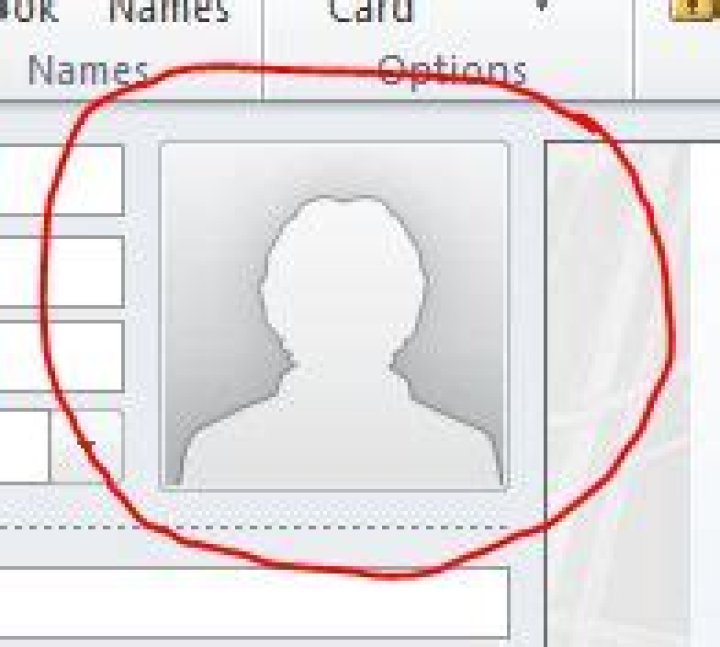
I've seen other users have their own picture in Outlook 2010. How do I add this to my account? I don't see anything in Options/Settings. I've been able to do this in Lync, but not in Outlook.
46 Answers
Per the TechNet blogs, here is an easy way to add the picture:
To add a picture (if your organization supports it), click on your name in an e-mail addressed to you. This is the fastest way to open your Contact preview. Click Open Contact to display your full contact information. Now double-click the generic picture icon:

3You'll be prompted to locate the picture you want to use. Find something appropriate for work, ideally a recent close up of your face. Then click Save & Close and you're done.
I ended-up getting this to work by changing my profile pic on our OWA site (accessible at portal.microsoftonline.com) . Then, in Outlook, I synchronized my offline address book and voila.
I wasn't able to double click as described above:
To add a picture (if your organization supports it), click on your name in an e-mail addressed to you. This is the fastest way to open your Contact preview. Click Open Contact to display your full contact information. Now double-click the generic picture icon:
What I did instead was to got to
- Contacts (folder below Mail and Calendar folders)
- Add myself as a contact.
In the processing of adding myself as a contact, I was able to upload my picture.
3This depends on exchange version actually. 2007 doesn't have any normal graphical way to add the picture, so it has to be done via powershell. If it's 2010 there's a way to add via GUI. So: Which version of exchange are we talking about?
6This is what I did to get this working :
- Go to Contacts section in your mailbox (under Calender folder)
- Add my own contact in there
- Double Click on Generic Pic icon
- Uploaded my pic
- Click on Save & Close option in the Header
On Windows 10, click on the Windows symbol on the bottom left hand side of the screen.
Your user icon will appear on the left hand side, above the four other icons.
Click on this and click 'Change Account Settings'.
You can set a profile photo here, which will be reflected on Outlook 2010.




