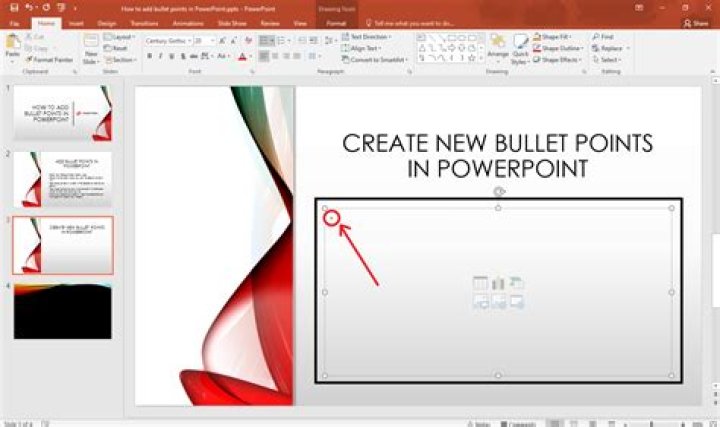
Powerpoint conveniently gives me a list of default bullet styles to use, but I want to add another - the dash ("-").
How can I do this?
Thanks! /YGA
4 Answers
From PowerPoint Help:
There are a few things you can't do with lists in PowerPoint that you can in other Office programs, such as Word. For example, PowerPoint does not support:
Decimal numbered lists (1.1, 1.2, etc.).
Defining new number formats (you must choose from the default set of styles offered on the Numbered tab in the Bullets and Numbering dialog box).
Applying bold, italic, or underline formatting to bullets or numbers (any formatting will be applied to the entire selected line or list).
Nested lists (you can press Tab or click Increase Indent Increase Indent button to create the same effect, but a new indented bullet or number style is not set automatically by PowerPoint).
- Click "Bullets and Numbering..."
- Click "Customize..."
- Click on the symbol you want to use (e.g. hyphen)
- Click "Okay" two times
- It should look something like this:
I don't know if you can "add" another, but you can Customize existing one. Click on Bullets and Numbering - Choose one you hardly ever use and Customize to your liking.
2Here is a solution to have a new default bullet style:
- Choose View>Slide Master
- Click on the text placeholder of your default slide
- Click "Bullets and Numbering..."
- Click "Customize..."
- Select the right bullet style
- Save and exit the Slide Master
It works... but a default new slide will appear with bullets.




