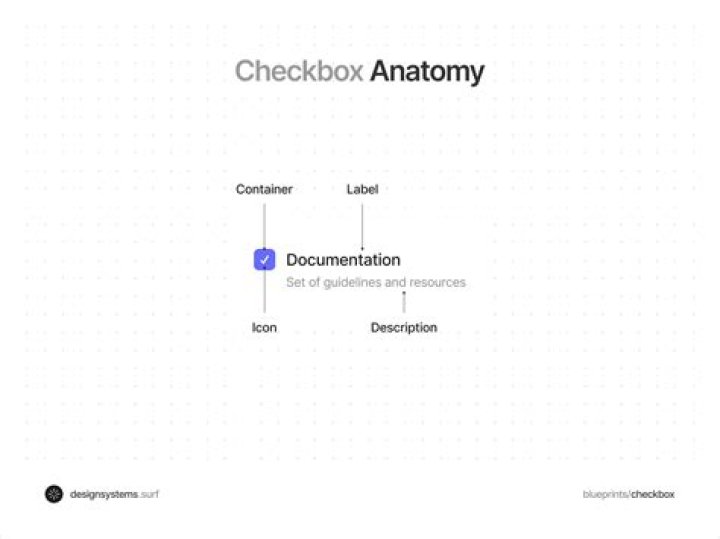

I have a checkbox in my Application like below
<input type="checkbox" ng-model="vm.somevalue" indeterminate " /> indeterminate is a directive which will change the state of the checkbox when the value of vm.somevalue is undefined. Now when i am clicking on the checkbox from intermediate state, i need to unselect the the checkbox(vm.somevalue=false).
Any helps appreciated!
23 Answers
You could add a click event and store a value for the state in a data attribute.
$(function() { $('input[type=checkbox]') .setCheckbox('unchecked') // set initial state .on('click', function(e) { var $checkbox = $(this); switch($checkbox.data('state')) { case 0: // unchecked $checkbox.setCheckbox('indeterminate'); console.log('Previous state: unchecked | New state: indeterminate'); break; case 1: // indeterminate $checkbox.setCheckbox('checked'); console.log('Previous state: indeterminate | New state: checked'); break; case 2: // checked $checkbox.setCheckbox('unchecked'); console.log('Previous state: checked | New state: unchecked'); break; } }); }); $.fn.setCheckbox = function(state) { return $(this).each(function() { var $checkbox = $(this); if (state=='unchecked') { $checkbox .data('state',0) .prop('indeterminate',false) .prop('checked',false); } else if (state=='indeterminate') { $checkbox .data('state',1) .prop('indeterminate',true) .removeProp('checked'); } else if (state=='checked') { $checkbox .data('state',2) .prop('indeterminate',false) .prop('checked',true); } }); };<script src=""></script> <input type="checkbox"> <input type="checkbox">In my example I toggle from unchecked to indeterminate to checked. I know you only asked for indeterminate to unchecked, but I wanted to give a complete answer that could be useful to others as well.
You can use length, if it is zero then it is not checked.
var check= $('input[type=checkbox]').length; Use is() with :checked to get the result as boolean that is true if checkbox is checked.
var check= $('input[type=checkbox]').is(':checked'); When the click event fires, the state of the checkbox has already been changed. You can get the original value is by listening for the mouseup event. This is only time we can know the current checked state of the checkbox AND that we can be sure the click event will be fired (the mousedown event also has the old value but the interaction can still be cancelled). From within the mouseup handler you then add a one time click event handler that sets the state:
var checkbox = document.getElementById('checkbox'); checkbox.addEventListener('mouseup', function (event) { if (event.which !== 1) return; if (checkbox.indeterminate) { checkbox.addEventListener('click', function () { checkbox.indeterminate = false; checkbox.checked = true; }, { once: true }); } else if (!checkbox.checked) { checkbox.addEventListener('click', function () { checkbox.indeterminate = true; checkbox.checked = false; }, { once: true }); } }, { capture: true });<input type="checkbox" />



