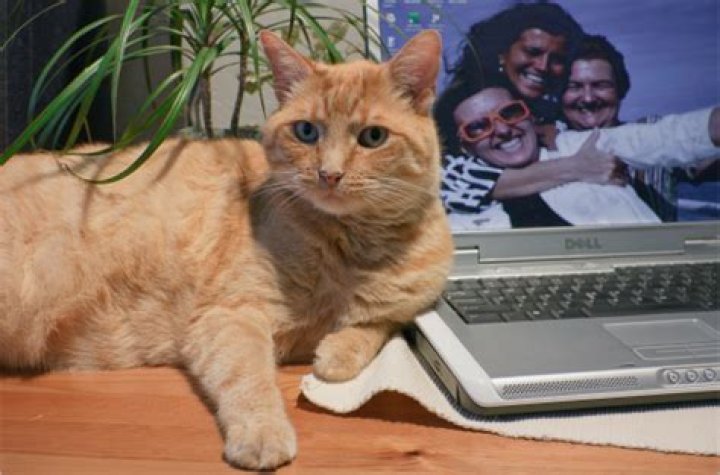
How can I create an image in Photoshop that imitates a photo taken with a low-quality phone camera? Examples of qualities I want to simulate:
- blurring in some areas caused by a dirty lens
- low quality exposure handling in the darkroom
- noise
Some examples:

3 Answers
Photoshop has several filters for these effects. Look for "Add Noise", "Blur", "Motion Blur", "Film Grain" etc. You can apply these filters partially to images as well, for example by using feathered selections or gradient masks.
Describing all kinds of methods you could use goes a bit beyond the scope of a distinct question here in my opinion, but see the following links for more info and/or do a Web search, as tutorials on this abound.
Further reading:
- Simulate film grain in a digital image
- Natural Film Grain
- How to Create Realistic Motion Blur with Masks in Photoshop
It's probably subjective, but I would bring up the curves window and make everything less saturated by a little bit. Then I would add a noise filter that only adds a little noise, you're going to want to bring down the opacity of it too. Maybe add a little blur to it. When you save it out, you could do a "save for web/devices" and decrease the jpg quality a little bit, as well as the resolution (depending on what resolution you're looking for).
I would recommend using Picnik's free "1960's" filter. It will make your picture look like it was taken with an inferior camera.
Here is a photo that has been edited with 1960's:




