
I have Ubuntu 10.04 32-bit with gcc 4.4.3 currently installed on it. I want to upgrade it to gcc 4.6.1.
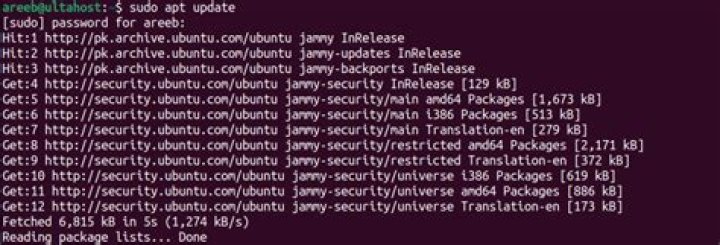
How to update using Ubuntu Package Manager:
apt-get upgrade/installAs a second option I downloaded the latest gcc snapshot file from:
How do I configure, compile, and install it?
23 Answers
I think you can get it by adding this PPA to your repositories:
You can add the PPA by running
sudo add-apt-repository ppa:ubuntu-toolchain-r/test After it's in the repositories (and after running apt-get update) you should be able to either 1) update to the latest version using apt-get upgrade, or possibly 2) you'll have it available as a separate package you need to you'll need to apt-get install. I'm not sure which is the case with this package.
Further information: Guide on how to add a PPA to your repositories.
1Add to your repositories by running:
sudo add-apt-repository ppa:ubuntu-toolchain-r/test
Then follow the steps on AskUbuntu to map gcc to the version you just installed.
In our case, you want to run:
sudo apt-get update sudo apt-get install gcc-4.6 sudo apt-get install g++-4.6 sudo update-alternatives --install /usr/bin/gcc gcc /usr/bin/gcc-4.6 20 sudo update-alternatives --install /usr/bin/g++ g++ /usr/bin/g++-4.6 20 sudo update-alternatives --config gcc sudo update-alternatives --config g++ You don't get latest anything on LTS with the package manager. It's supposed to be stable with backported security updates. I'm not a fan of updating distros, I just reinstall and copy ~/
./configure make make install is the general procedure. Read the options in the configure script...you have to have a version installed to compile a new one. make install will probably mangle your current install.
suggestion: if you want "newest" then use "newest" - that's 11.10 at this point I think.
2



