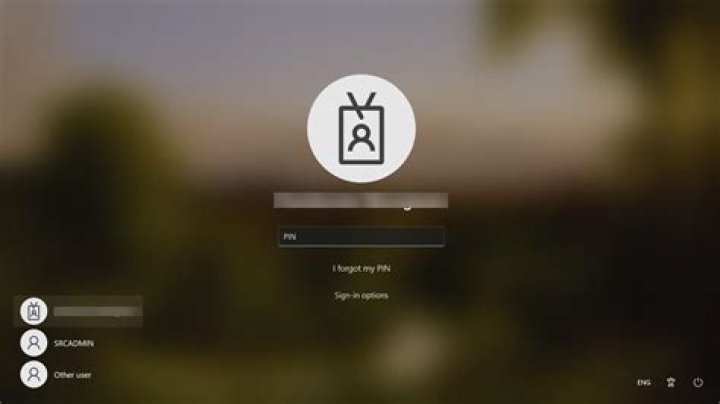
I'm trying to "configure" my Windows 7 Professional logon screen to facilitate multiple users for a shared-computer environment.
Could someone please share how to make it NOT only display the last user to use the computer to facilitate multiple users?
51 Answer
If I have correctly understood what you are trying to achieve, you should follow these steps:
Open up your "Local Group Policy Editor" by running "gpedit.msc"
Navigate to "Security Options"

Under the Security Options under the Local Policies, scroll down till you find the "Interactive Logon: Do not display last user name" and then enable that policy.
Hope this is what your trying to achieve and hope it helps. Please let me know if your looking for something different.
3



