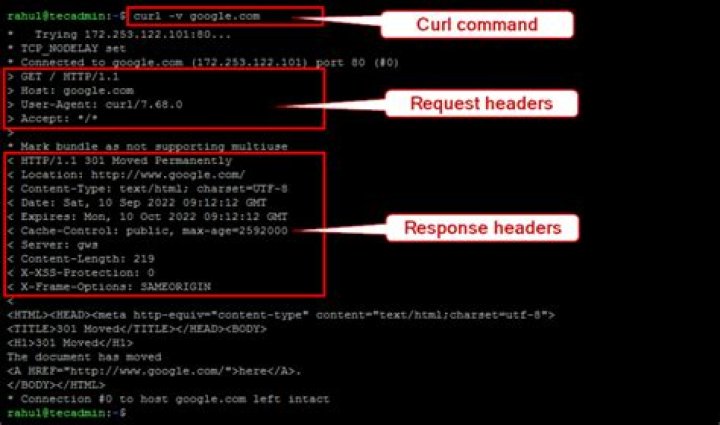

How can I only show the request header/response headers and output to /dev/null when using wget?
I use --debug it shows the request headers and response headers:
wget --debug I want use -o /dev/null to not save content, but it do not shows the headers now:
wget --debug -o /dev/null & 1 Answer
My personal view is that wget is not the right tool for the job, however I managed to force it to do this -
wget -S -q -O /dev/null The key elements of this command are -S means show headers, -q means supress output from wget, and -O (capital O) means write to a file.
I would be inclined to use CURL for this - with a command like
curl -sD - -O 



