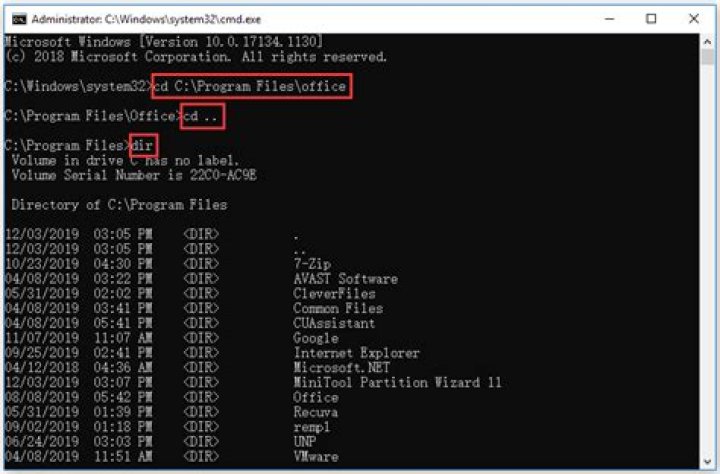

I want to be able to type ".." to go to parent directory, instead of "cd..". Is this possible in Windows command prompt?
32 Answers
Yes you could use doskey.exe for that. It's been available in any recent os versions (and not so recent... DOS 6.22). Always available, little known - provides history, among other features.
doskey ..=cd ..
C:\temp>.. C:\> Technet reference (v=ws.11).aspx
To make this macro permanent, you'd need to setup in via Autorun.
From help cmd
If /D was NOT specified on the command line, then when CMD.EXE starts, it looks for the following REG_SZ/REG_EXPAND_SZ registry variables, and if either or both are present, they are executed first.
HKEY_LOCAL_MACHINE\Software\Microsoft\Command Processor\AutoRun and/or HKEY_CURRENT_USER\Software\Microsoft\Command Processor\AutoRun Not with cmd.exe alone. Even if you successfully create file ...bat, it won't be recognized and called when you type .. and press Enter.
But you can achieve this, however. If you install free AutoHotKey tool, the following macro sends expected command whenever you press Ctrl+↑ (only in window which has cmd.exe in title):
#IfWinActive cmd.exe F9:: ^up::Send {Esc}cd..{Enter} F12:: ^+up::Send {Esc}cd{asc 92}{Enter} #IfWinActive Tested, works well.
Edit:
Bonus: I extended the macro.
Ctrl+↑ or simply F9 does
cd..Ctrl+Shift+↑ or simply F12 does
cd\I did not map keys between F1 and F8, because they are already in use in
cmd.exe.




