Is there any command line or program in Ubuntu 9.04 I can use to get information about my video card?
2 Answers
sudo lspci|grep VGA shows me I have a:
01:00.0 VGA compatible controller: ATI Technologies Inc NI Whistler [AMD Radeon HD 6600M Series] If you want even more information you can install mesa-utils 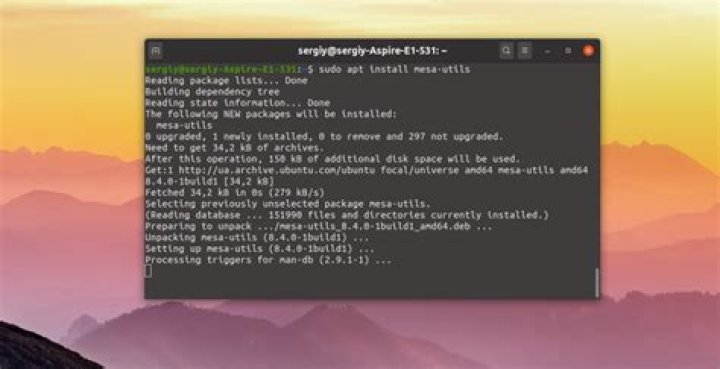 . Besides the obvious things:
$ glxinfo|grep renderer OpenGL renderer string: AMD Radeon 6600M and 6700M Series $ glxinfo|grep vendor server glx vendor string: ATI client glx vendor string: ATI OpenGL vendor string: ATI Technologies Inc. It will show about 3 pages of information about the driver in use.
Besides lspci you can use hwinfo  which is quite a useful tool for getting detailed information about all kinds of hardware components, and their drivers, on your system.
By default hwinfo prints out quite long list of information but you can specify what you want by:
hwinfo --gfxcard Other options are:
all, bios, block, bluetooth, braille, bridge, camera, cdrom, chipcard, cpu, disk, dsl, dvb, fingerprint, floppy, framebuffer, gfxcard, hub, ide, isapnp, isdn, joystick, keyboard, memory, modem, monitor, mouse, netcard, network, partition, pci, pcmcia, pcmcia-ctrl, pppoe, printer, scanner, scsi, smp, sound, storage-ctrl, sys, tape, tv, usb, usb-ctrl, vbe, wlan, and zip. For more information
man hwinfo