I can add a display capture as a source, but can only select the entire monitor. Is there a way to select only a portion of the screen?
Add Display Capture
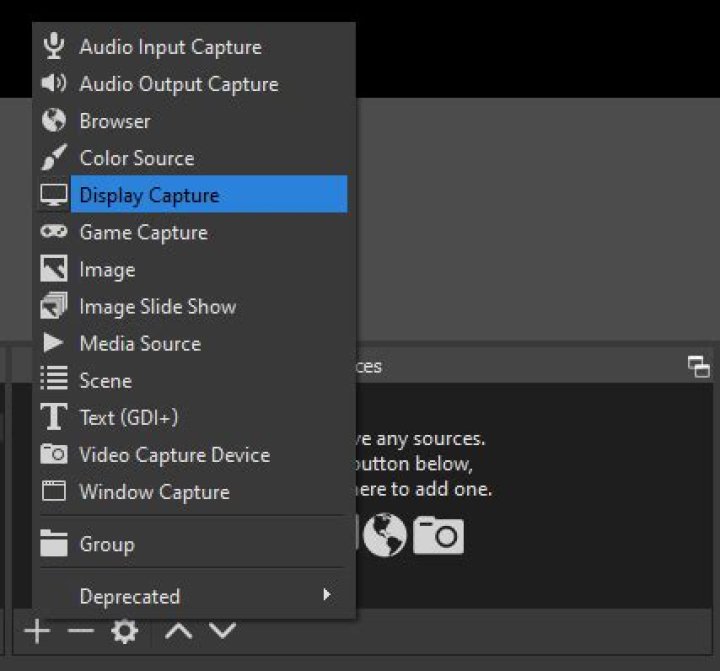
Select Entire Display
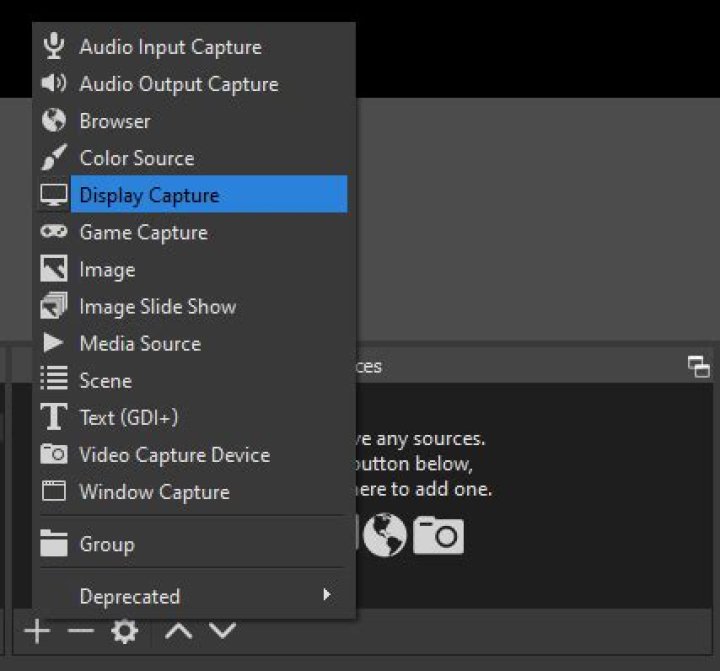
But there's not an option to just select a portion of the screen. Any tools to do this without doing it in post?
1 Answer
According to this thread on how to record only a portion of a screen, you can:
Right click on the Display Source and select Filters
Select Add Filter + and select Crop/Pad
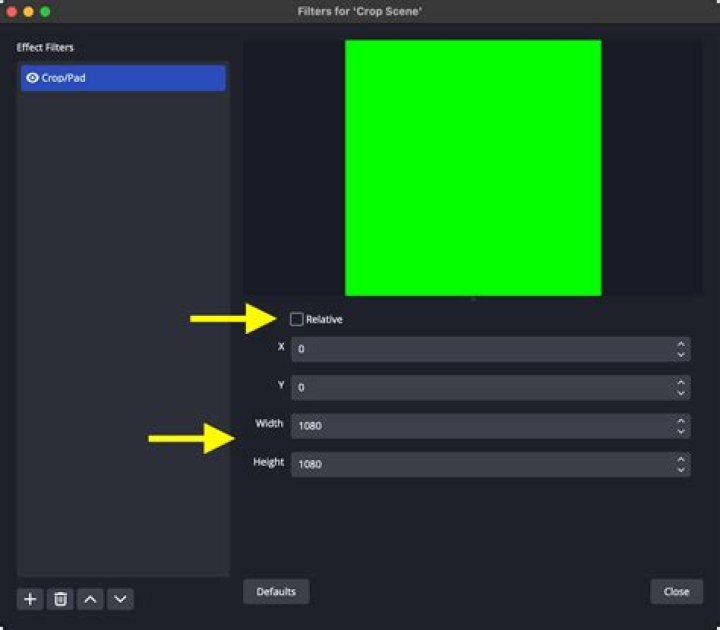
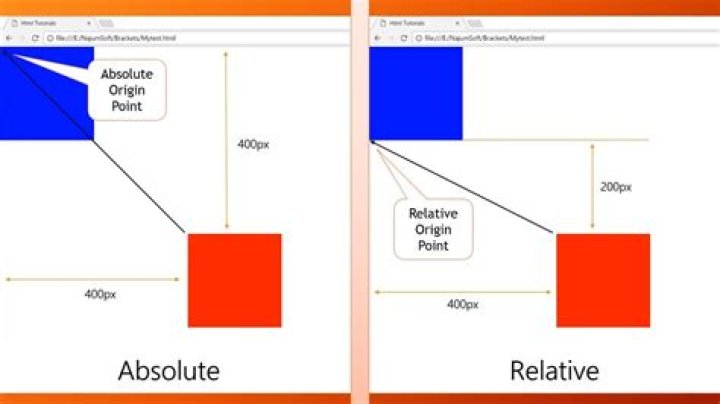
You can choose relative or absolute positioning:
Note: If your display now only takes up part of your canvas (like the following image)
Remember to either:
- Right Click on the Display Source and select Resize output (source size).
- Or go to the Settings > Video > and update the Base (Canvas) Resolution.