I'm trying to configure my cisco 2950 switch and I need to use putty on linux. Im not used to using linux but I've been told that putty is built in to linux terminal. I have my serial console cable connected to the router but I'm unable to telnet in. How do I use putty?
2 Answers
The PuTTY program is not built into Linux. What the other person meant is that most Linux systems come with commands that provide the same functionality as PuTTY:
The SSH client is
ssh.The Telnet client is
telnet.The serial console clients are
screenandminicom.
To connect to the first serial port using screen, run:
screen /dev/ttyS0 Press CtrlA followed by CtrlK to disconnect. (Some systems use just K instead of CtrlK.)
9Edit:
Putty does exist on Linux too (sudo apt-get install putty on most debian-ish systems), if Putty is exactly what you have a guide for - even though it's unnecessary on Linux.
To find the serial port to use for Putty/Minicom/Screen, you could plug in the cable and shortly after use dmesg | grep USB in a terminal to see the output (you should see something like New device on /dev/ttyUSB0 or various /dev/tty*'s to make sure you are attempting to connect to the correct Serial line.
As an alternative if Linux overwhelms you:
If all you need is access to the Serial connection and nothing specific from the Linux shell, then you can use Putty from Windows (I would assume you have access to a Windows machine as well). (Download Page).
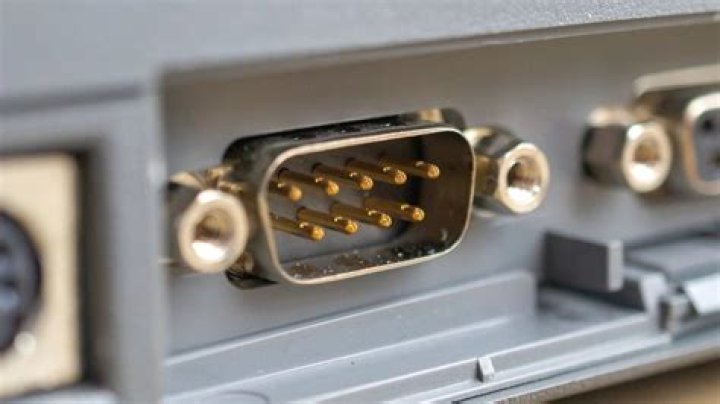
Determine which Serial port (or "COM" port in windows) you need in Device Manager:
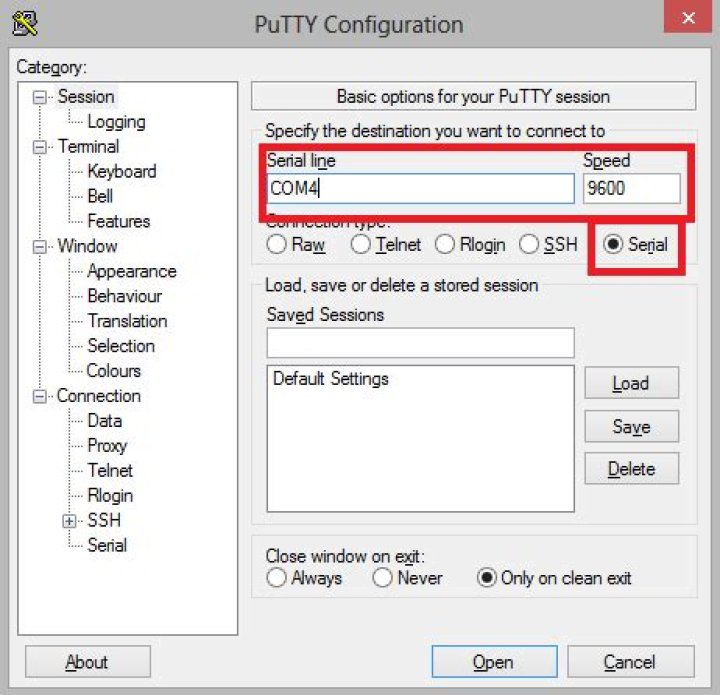
Then in Putty, choose Serial, enter the COM port and the BAUD (Speed):

If you need advanced settings to the serial connection in PUTTY, you can do that in the left menu Connection > Serial




