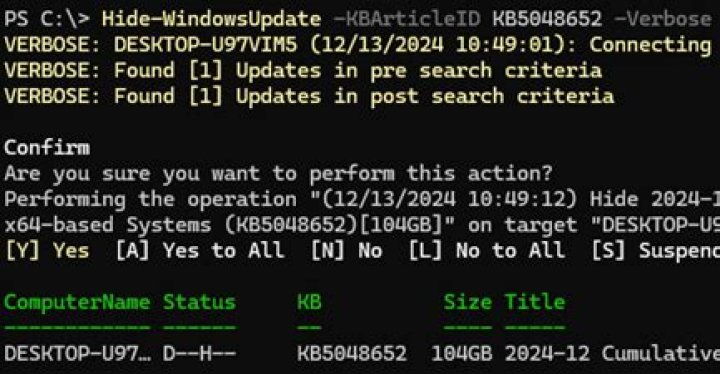

I am trying to hide a windows update that's causing havoc on our systems, but something is causing the app to get blocked, when running over the network. We are on an AD domain and I'm running this command as an administrator on the machine. When I run the command:
hide-windowsupdate -debug -microsoftupdate -computername COMPUTER -KBArticleID "KB5000808" I get this...
hide-windowsupdate : COMPUTER: You don't have permission to perform this task. At line:1 char:1 + hide-windowsupdate -verbose -microsoftupdate -computername COMPUTER + ~~~~~~~~~~~~~~~~~~~~~~~~~~~~~~~~~~~~~~~~~~~~~~~~~~~~~~~~~~~~~~~~~~~~~ + CategoryInfo : CloseError: (:) [Get-WindowsUpdate], Exception + FullyQualifiedErrorId : 0x80240044,PSWindowsUpdate.GetWindowsUpdate but I'm on the administrators group, running as an administrator and the command works perfectly fine, if performed locally.
Here is an article about the module.
3 Reset to default



