I have simple Windows 10 and Ubuntu installation. My latest Windows update just messed with my GRUB boot loader somehow.
Every other answer mentions to type a few
set boot and
set prefix However every time I get 'Filesystem is unknown', for every of the 4 partitions inside my hd0.
Any clues?
4 Answers
As Greg Gómez states, a Live Ubuntu USB will allow you to download and install Boot Repair. Often, this GUI utility can remedy boot issues, so I've made a persistent boot USB with Boot Repair preinstalled for use after each Windows update mangles booting. N.B. Use the fastest flash USB drive you have for persistence, since the drive is accessed frequently (as opposed to an ordinary Live USB, in which much is moved to RAM).
If nothing else fixes the issue, make an image of the drive, reinstall Ubuntu using the existing partition, then copy back the ext4 Ubuntu partition.
3It has been reported that upgrading Windows misconfigures the MBR partition tables, you might want to review these answers:
A plausible quick fix: reinstall or upgrade Ubuntu with an ISO/Live Image (Which is required if you're going the answers above) have work for me everytime I deleted partitions with diskmgnt (but as it is not your case might not solve the problem as well).
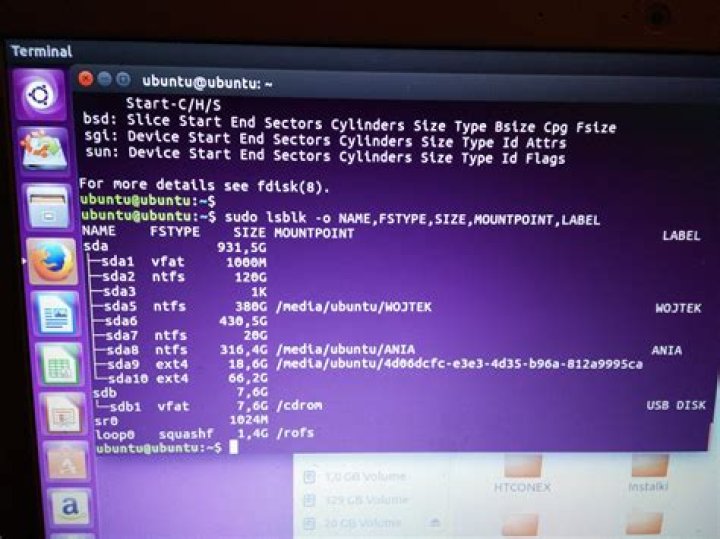
Ive had the same problem and fixed it using a live cd. I could see my ubuntu installed partition using lsblk, but the booted OS wouldn't use it. Here's the solution that worked for me:
-Booted from Ubuntu Live CD
-Opened terminal and tried to mount my ubuntu partition manually. Got error: “wrong fs type, bad option, bad superblock”
-Run fsck and say yes to everything
Try to mount it again. Should work. Also gpared won't show errors with it anymore. Reboot and done.
Additional info: You gotta make a mount folder for mounting, need root rights, etc. I used a Ubuntu 15 cd to repair Ubuntu 14.
Have had a similar problem and I fixed it by downloading the Windows 10 installation media direct to a USB. This has enough of Windows on it to boot and there are options to install or repair Windows. Using the repair and advanced tools you can get an admin command prompt and run the Windows bootrec command.
I ran: bootrec /fixmbr and it fixed the MBR. There are other bootrec commands that you can run but this was all I needed.
This allowed me to boot to the Windows partition on C:. But from here you should be able to reinstall grub with a Live CD or other Linux bootable USB.




