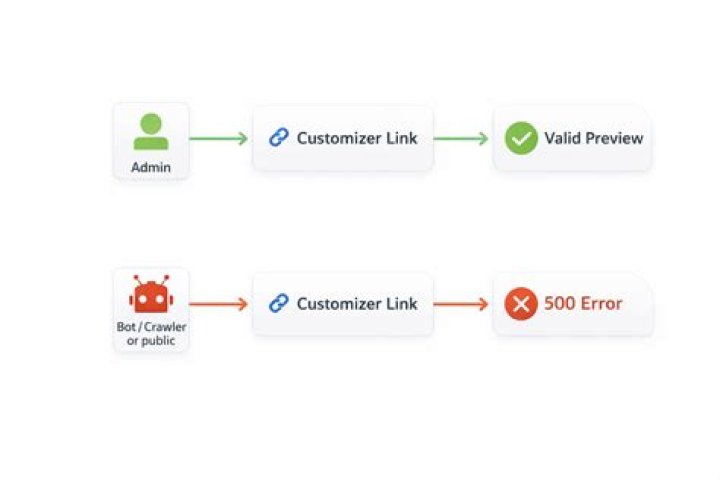

I'm running into a wordpress error 'changeset_post_save_failure' when trying to publish updates on customizer. Console throws this error after doing what I mentioned:
Failed to load resource: the server responded with a status of 400 () It was working fine a day ago but now no clue on the solution. Rest of Wordpress functionality is ok, I even installed a plugin for custom css and works fine, it's just the customizer.
I've tried:
- Deactivating all plugins
- Tried to change my theme but when openning the 'preview' of a wordpress theme, it shows critical error without displaying the site. So, I didn't activate them because I'm afraid it can break my site.
- Ran wordpress repair/optimize tools
- Optimize/Repair/Analize database
- Got in contact with hosting support but they told me it has nothing to do with that
3 Answers
This could be caused by an incorrectly configured auto increment value for the _posts table of your WordPress.
To fix this, access your website’s database from Site Tools -> Site -> MySQL -> PHPMyAdmin. From the left section find and click on the entry for the website’s database, then from the right section on the page find the _posts table, click on it and click the Operations tab at the top. In the Table options section set AUTO_INCREMENT to 9999 and click Go to apply the change.
At the end, the easiest way to solved this issue was creating a clean wordpress installation. However, I'm doubtful if this can happen another time at some point. Highly recommend to do backups of the whole site frequently (database, wordpress export, wp-content or the whole "public-html' where the files are)
Today, I solved my site after check the err log. Many errors were log here with s.t like this: Duplicate entry '0' for key 'PRIMARY'... => the database have some miss AUTO_INCREMENT field in some tables. So you can check their table name from error log and add AUTO_INCREMENT into the PRIMARY fields. Everything will be OK.
1



