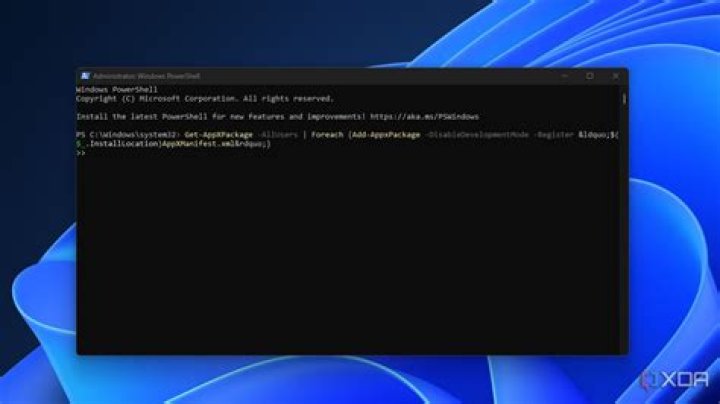

I have a process (testxx) running on my Database. Every time a user connects with the database the process will start separate session for. All processes include a private environment variable(Client-Nr) with different values. I want to invoke a particular process with the particular private environment variable. I used the following command:
Let's say there are 5x "testxx"-processes. I want to invoke the one process which has the value "Client-Two" in the private environment variable "Client-Nr".
Therefore, I use the following code:
get-process -name "testxx" | where-object {$env:Client-Nr -eq "client-Two"} It didn't invoke the process I needed. I checked with the following command, if PowerShell recognize the private environment variable:
(get-process -Name "testxx").StartInfo.EnvironmentVariables PowerShell didn't recognized this private environment variable. However, if I open "Process Hacker", choose the specific "testxx" process, I see the private environment variable "client-Nr" with that particular "Client-nr" value. How can I invoke this kind of private environment variable via PowerShell?
1 Answer
This is much more complicated than you'd think, because this information is only found in the kernel. The nicely documented GetEnvironmentStrings only works for the calling process.
If you want to go cross-process, you have to write a program that uses the NtQueryInformationProcess function and ReadProcessMemory function to search for this data inside the process memory.
You can find some of the required code in the CodeProject demo program of Get Process Info with NtQueryInformationProcess.
As an alternative, you create a DLL and do DLL injection to inject it into the processes memory space.
As I said, this is complicated.
3



