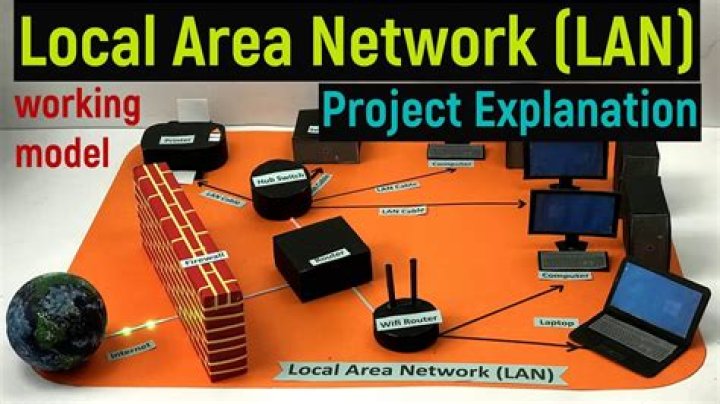

I need to created a fully isolated network at home so I have one network for home use (few iOT and mobile clients etc...) and one network for work.
Both network need to be fully isolated, so nobody can detect the other network.
I have a gigabit broadband which need to be initiated by one router using PPPoE (the current router I have don't really support VLAN so I guess I need to replace it)
My understanding is that I need one Router to connect to the ONT (FTTH terminal) start the PPPoE / VLAN (for the ISP) and create one VLAN for a second router(dedicated to my second network).
Does that make any sense ?
For the second network, do I actually need a second router or should I get a switch instead ? (I only have desktop client connecting to the second network via ethernet)
32 Answers
A router that handles VLANs would allow you to set up two networks that both use the same gateway to the internet (the FTTH connection). Usually this is done by using a separate physical port on the router for each VLAN. You would need a switch attached to each VLAN/port assuming that you need multiple devices on each network. This means two basic switches or one VLAN-aware switch with appropriate configuration. Do not connect cables between the two switches.
Normal router behaviour would allow the two LANs to communicate but this could be prevented by a bi-directional firewall rule preventing this.
2How does the work computer connect? My thought for the simpilist approach is 1 router where the work computer connects via Wi-Fi to the guest network and any home computers/iot connect to the home network. Both protected from the internet and can't see the other network.
1



