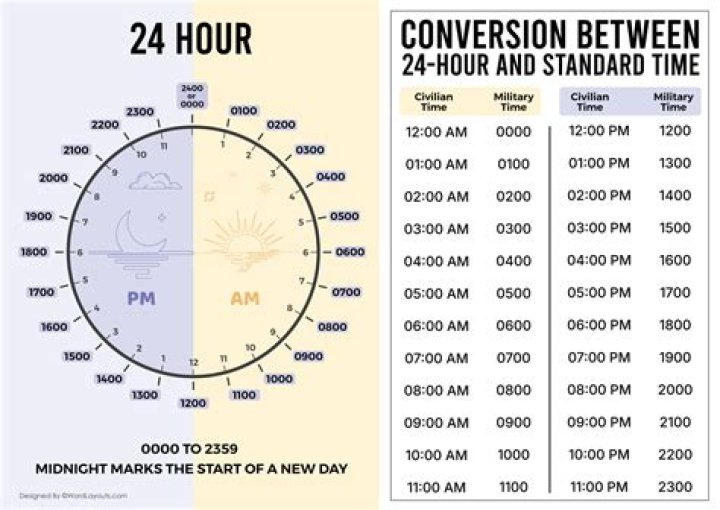
When I format a cell in Excel to HH:MM:SS on selecting that cell it's show in 12:50:45 AM. I need it to display 00:50:45.
3 Answers
You can just add a custom format of:
HH:MM:SS Or use a formula like so:
=TEXT(A1,"HH:MM:SS") The time display format in Excel is set to 24 hours, but selecting the cell to edit the time insisted on 12 hour format during edit. Fix: In windows7 control panel, region and Language, Formats, Additional Settings, Time.. set Long Time to HH:mm:ss ... editing is now 24 hour format. ~ This is a windows setting, so obviously changes other program formats
2If simply you want to replace the HOUR's value with ZERO for the TIME in Cell, then apply this as Cell Format.
"00:"mm:ss

Caveat
- Purposely I've written a formula in Cell
R32to justify, that CellQ32still has TIME Value.
=TIME(HOUR(Q32)+1,MINUTE(Q32),SECOND(Q32))
- You may skip formula in Cell
R32.
If you only want to replace 12 Hrs with ZERO then you may use this Formula.
=IF(HOUR(Q32)=12,"00:"&TEXT(Q32,"mm:ss"),Q32)
N.B. Cell Q36 has GENERAL format.
You may adjust cell references in the Formula as needed.




