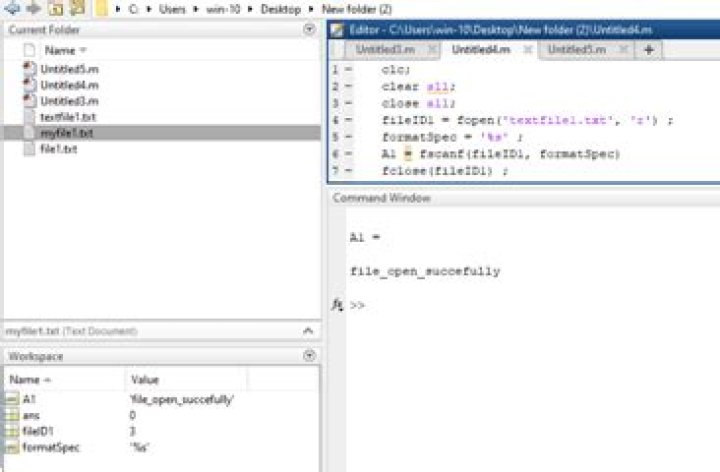

I have the following code written in Matlab:
>>> fid = fopen('filename.bin', 'r', 'b') >>> %separated r and b >>> dim = fread(dim, 2, 'uint32'); if I use a "equivalent" code in Python
>>> fid = open('filename.bin', 'rb') >>> dim = np.fromfile(fid, dtype=np.uint32) I got a different value of dim when I use Python.
Someone knows how to open this file with permission like Matlab ('r' and 'b' separated) in Python?
Thanks in advance,
Rhenan
1 Answer
From Matlab docs I learn that your third parameter 'b' stands for Big-Endian ordering, is not a permission.
Most probably Numpy uses the little-endian order on your machine. To fix the problem try to specify explicitly the ordering in Numpy (as you do in Matlab):
>>> fid = open('filename.bin', 'rb') >>> dim = np.fromfile(fid, dtype='>u4') the dtype string stands for Big-Endian ('>'), unsigned integer ('u'), 4-bytes number.
See also Data type objects (dtype) in Numpy reference.
1



