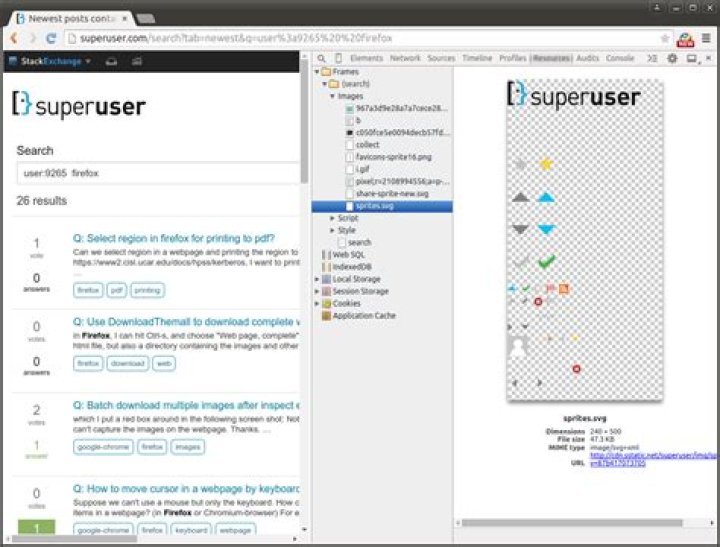
In Google Chrome, I right click in a webpage, and select
Inspect Elements -> Resources -> Frames -> (Search) -> Images where I can see the URLs of the image files in the webpage. If I click the URLs, I will open a tab with the images. E.g.

How can I do the equivalent in Firefox? The "inspect elements" in Firefox has different menus than in Chrome.
Thanks!
11 Answer
(Yes, it's an old question, but someone may well come across it via search.)
Another way (besides the way indicated in a comment) is via 'Tools -> Page Info -> Media'. The 'Save As...' button can be used to download an image.




