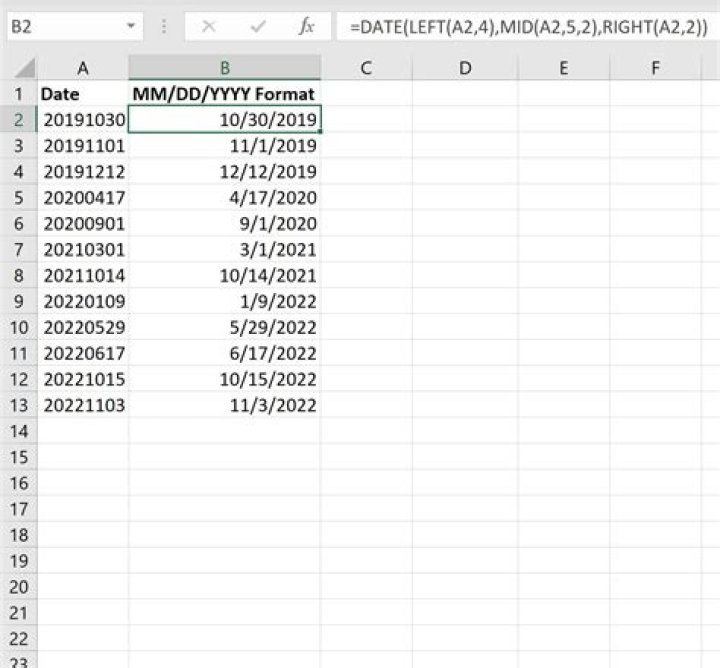

Date column has date and time in different formats.
05-09-14 21:58 11-08-13 11:56 08/19/2016 11:08:46 11-08-13 11:56 11-08-13 12:16 05/24/2014 08:26:06 08/24/2016 11:00:29 12/20/2014 09:16:19 08/25/2016 09:38:22 08/24/2016 10:59:05 08/25/2016 12:36:33 08/19/2016 10:38:37 11-08-13 14:53 11-08-13 16:18 11-08-13 13:38 10-10-13 16:14 11-08-13 12:44 08/31/2016 17:13:57 I'm trying to convert these datetime into only date m/d/YYYY format. I tried =TEXT(cellofdate, "m/d/YYYY") but i'm still getting time for some entries.
22 Answers
A date is just a number.
To the left of the decimal place is the date, to the right is the time.
=INT(A1) will return the whole number.
Your first example will display as 05/09/2014 00:00. All you need to do now is format the cell as a date without the time.
Edit: And read the post that @Ralph linked to - very informative.
If your concerned cell is A1, you can use the following expression :
=DATEVALUE(MONTH(A1) & "/" & DAY(A1) & "/" & YEAR(A1)) 



