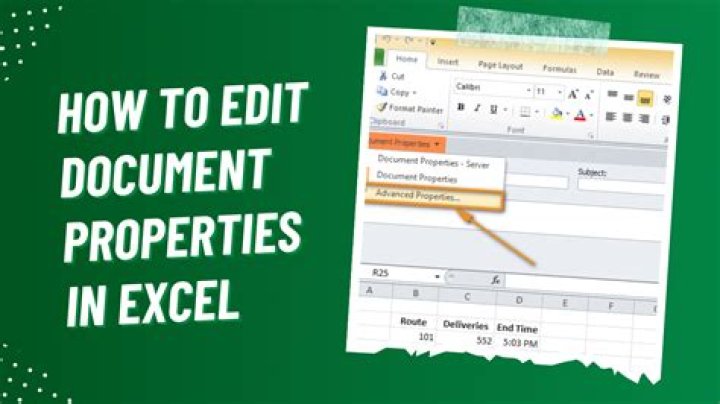

I know you can add custom Document Properties in Excel 2007.
see:
But I thought there was a way to pull a value from a cell as a custom metadata property without code. Maybe I'm searching for it with the wrong terminology. Maybe it has to be done as a Named Range. I know this can be done. Anyone know how?
2 Answers
Here is a detailed explanation about how I got around this:
In Excel:
- Select a cell to be the exported metadata property
- Change the cell’s Name Box (found to the left of the formula bar) to a name you can reference later (this value does not have to match any column in the SharePoint library)
- Go to File > Info > Properties > Advanced Properties > Custom
- Check the box Link to content and the cell that you named should appear as the Source
- Fill in the Name box to a value that will match a column name in a SharePoint library where the excel file will be published
In SharePoint:
- Create a column in a document library that will match the property name created in the Custom tab (make sure to specify if the imported cell value will be text/number/etc.)
- Upload document (the actual document needs to be closed)
- There should be an extra column containing the cell value
I just used the Named Range for the value on the new metadata type. Then I made sure the same field was in the Sharepoint Library I was publishing to. Hope this helps!




