- My history of previous terminal codes:

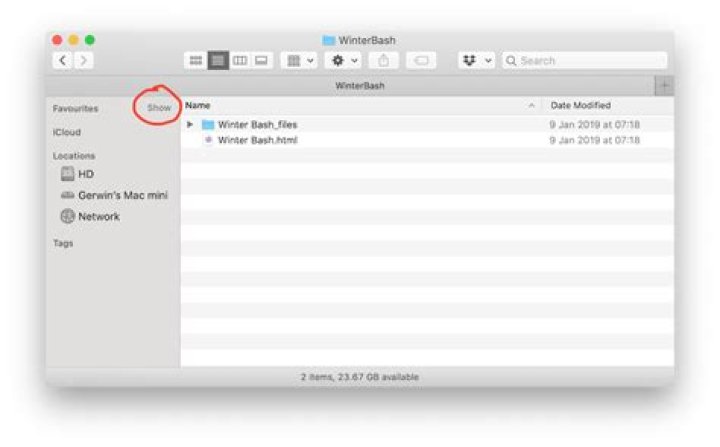
- How my Finder looks like:

All the things in my finder sidebar disappeared, though nothing is deleted and I can still find my things through the "go" feature.
I've tried going through Finder>Preferences>Sidebar but nothing shows up. I was wondering if there is a terminal code to fix this, the only thing I did recently was put in a terminal code to prevent spotlight from searching my external hard drive (did this because I couldn't eject since a program was apparently using it, turns out it was spotlight search), and ever since then my finder sidebar disappeared.
What to do?
61 Answer
What happens if you hover over 'Favorites'? A button 'Show' should appear, to expand the list:




