
I've installed Android Studio and tried to run my first project in it, and I've got following error:
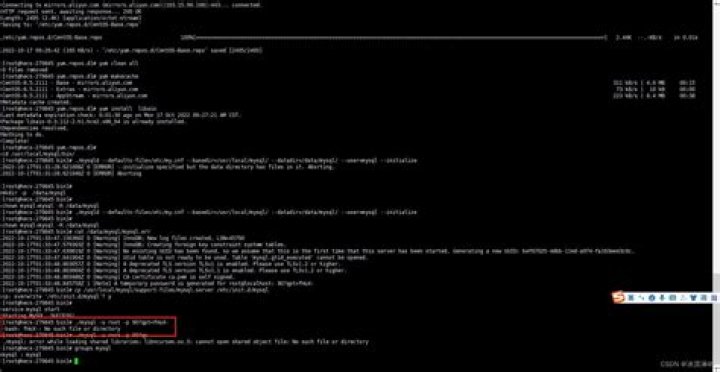
Error Output was: /home/user/android-studio/sdk/platform-tools/adb: error while loading shared libraries: libncurses.so.5: cannot open shared object file: No such file or directory I've already tried to run
sudo ldconfig but it doesnt help. I've recently installed libncurses (before using android studio).
What should I do?
12 Answers
If libncurses is not installed then install it and try again.
for 32-bit binaries : sudo apt-get install libncurses5:i386
for 64-bit binaries : sudo apt-get install libncurses5
Also install the collection of libraries by using this command,
sudo apt-get install ia32-libs
error while loading shared libraries: libncurses.so.5
If you see this, your distro probably has a newer version of libncurse installed. First find out what version of libncurses your distro has:
$ ls -1 /usr/lib/libncurses* /usr/lib/libncurses.so /usr/lib/libncurses++.so /usr/lib/libncurses++w.so /usr/lib/libncursesw.so /usr/lib/libncurses++w.so.6 /usr/lib/libncursesw.so.6 /usr/lib/libncurses++w.so.6.0 /usr/lib/libncursesw.so.6.0 In this case, we are dealing with version 6, so we make two symlinks:
$ sudo ln -s /usr/lib/libncursesw.so.6.0 /usr/lib/libncurses.so.5 $ sudo ln -s /usr/lib/libncursesw.so.6.0 /usr/lib/libtinfo.so.5 After this, the program should run normally.
4If you are absolutely sure that libncurses, aka ncurses, is installed, as in you've done a successful 'ls' of the library, then perhaps you are running a 64 bit Linux operating system and only have the 64 bit libncurses installed, when the program that is running (adb) is 32 bit.
If so, a 32 bit program can't link to a 64 bit library (and won't located it anyway), so you might have to install libcurses, or ncurses (32 bit version). Likewise, if you are running a 64 bit adb, perhaps your ncurses is 32 bit (a possible but less likely scenario).
7On Arch Linux you can install ncurses5-compat-libs AUR package.
FYI it is mentioned in Arch Wiki android page, just in case if you'll need some other dependencies for Android Studio:
For Redhat Linux 8 try this:
sudo yum install libncurses* In Fedora 28 use:
sudo dnf install ncurses-compat-libs I solved the issue using
ln -s libncursesw.so.5 /lib/x86_64-linux-gnu/libncursesw.so.6 on ubunutu 18.10
1On Arch, i fix like this:
sudo ln -s /usr/lib/libncursesw.so.6 /usr/lib/libtinfo.so.6 To install ncurses-compat-libs on Fedora 24 helped me on this issue (unable to start adb error while loading shared libraries: libncurses.so.5)
For Redhat Linux this helped,
sudo yum install ncurses-compat-libs
Your system likely does not provide the ncurses library at the version android studio uses. My arch linux install only had ncurses 6 but android studio needs version 5. You could check if your distribution has a compatability package, or use the solution that Rahmat Aligos suggested.
2Mixaz's above answer worked for me. However I had issues installing the package because of PGP check failures. Installing it by skipping the signature worked, you could try this :
yaourt --m-arg "--skipchecksums --skippgpcheck" -Sb <your-package> 



