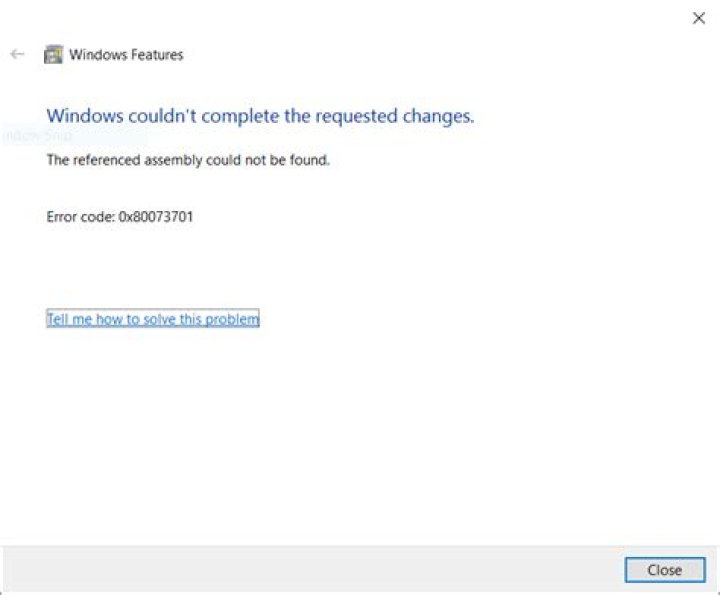

I'm trying to install Docker but unfortunately Windows decided that I'm not going to do that. In order to get it working, I have to activate the Hyper-V feature. I tried using GUI and Powershell using the Enable-WindowsOptionalFeature -Online -FeatureName:Microsoft-Hyper-V command but everything I get is this. The referenced assembly could not be found. Error 0x80073701. How do I fix that? Thanks!
PS: My computer can run Hyper-V and the relative options are activated. Windows version is Windows 10 Enterprise LTSB.
82 Answers
Solved! Evidently my system lacked some updates. I mounted the Windows ISO file and ran the setup.exe contained in the root directory. I let it do its stuff and then I could activate Hyper-V.
The following solution was good to solve this trouble of missing assembly on my computer
1



