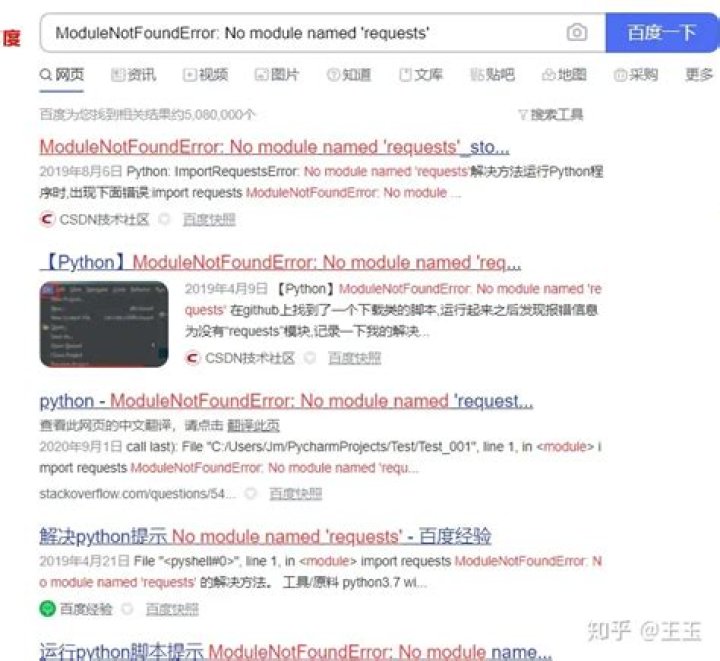

I installed Hydralit, but when I try to import I get the following error: "ModuleNotFoundError: No module named 'streamlit.report_thread'". Interestingly I can import and use hydralit_components.
Versions used:
hydralit >=1.0.9 hydralit_components >=1.0.4 streamlit >=0.89 python ==3.8.10 Error in full:
Python 3.8.10 (default, Nov 26 2021, 20:14:08) [GCC 9.3.0] on linux Type "help", "copyright", "credits" or "license" for more information. >>> import hydralit Traceback (most recent call last): File "<stdin>", line 1, in <module> File "/home/lorena/.local/lib/python3.8/site-packages/hydralit/__init__.py", line 1, in <module> from hydralit.hydra_app import HydraApp File "/home/lorena/.local/lib/python3.8/site-packages/hydralit/hydra_app.py", line 5, in <module> from hydralit.sessionstate import SessionState File "/home/lorena/.local/lib/python3.8/site-packages/hydralit/sessionstate.py", line 1, in <module> import streamlit.report_thread as ReportThread ModuleNotFoundError: No module named 'streamlit.report_thread' 3 Answers
I was able to make my problem go away by replacing
from streamlit.report_thread import add_report_ctx with
from streamlit.script_run_context import add_script_run_ctx (And, of course, replacing uses of add_report_ctx with add_script_run_ctx.)
I saw, however, on the streamlit discussion page, a question and answer on this problem, and they said this problem was introduced with 1.4 and to rollback to 1.3. So I am not sure what other problems may occur with my workaround. But I was able to make the import error disappear and a very quick test showed that it works.
2The solution is to update to Hydralit version 1.0.12, as the issue with Streamlit 1.40 was fixed with the last release. pip install -U hydralit should take care of this issue.
In addition to what the user @Phil commented this change worked for me doing it the next way:
I changed the code of the package of hydralit in the sessionstate.py script.
If you are using a virtualenv, go to your-virtualenv-name/lib/pythonx.y/site-packages/hydralit/sessionstate.py.
If you are not using a virtual environment, find where is your package is installed and do the change there.
In the top part of the sessionstate.py file we change:
import streamlit st_ver = int(streamlit.__version__.replace('.','')) if st_ver < 140: import streamlit.report_thread as ReportThread from streamlit.server.server import Server else: from streamlit.script_run_context import get_script_run_ctx # Line to change With:
import streamlit st_ver = int(streamlit.__version__.replace('.','')) if st_ver < 140: import streamlit.report_thread as ReportThread from streamlit.server.server import Server else: from streamlit.scriptrunner import get_script_run_ctx # Changed line This solved my problems with the import of hydralit.
Versions of packages:
streamlit=1.9.0
HydraLit=1.0.12
Hope this helps others.




