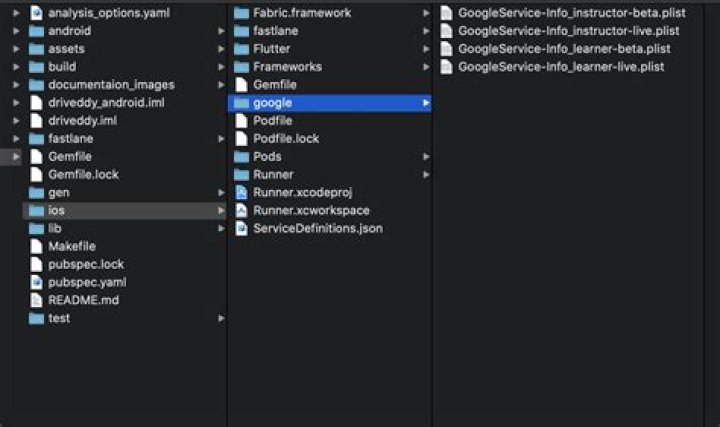
I have created a Flutter project in Android Studio. It runs fine on Android devices but when I try to run it on Xcode, I get an error as:
Build system information error: /Users/Downloads/flutter_wallpaper-master 2/ios/Flutter/Debug.xcconfig:1: could not find included file 'Generated.xcconfig' in search paths (in target 'Runner')
Can anyone help me with how to solve this issue?
8 Answers
Try running flutter build ios and then rerun in Xcode
I assume you have already ios/ folder in your Flutter project. If not, you can run flutter build ios.
The root cause of this error most of the times happens after you have cloned a project like from Github.
In order to fix, you need to get the packages and install the pods.
flutter clean && flutter pub get && cd ios/ && pod install (In some situation you might need to update your Pod Repo and Pods. You can do that via running pod repo update && pod update)
Please follow these steps/run commands
flutter clean(in terminal)flutter build(in terminal)- In Xcode, then build your project
The error should have gone now :)
2After few hours of search, this solved my issue.
Firstly, run flutter doctor to check if all the dependencies checked. Follow the instructions shown on the terminal if those [] boxes are not completed as [ticked].
flutter channel master flutter doctor Then, run this line.
flutter pub get Lastly, use the following code to rebuild your ios path (assume your ios codes are stored in /ios folder of your project). This step already included the pod install procedure. No need for further pod install execution.
flutter build ios --release --no-codesign It seems that Flutter project needs to be build on the XCode Cloud server, before the XCode project is built. This is achieved by adding a post-clone script described here. That is the only thing that worked for me.
1.) flutter clean 2.) flutter pub get 3.) cd iOS 4.) pub update 5.) flutter run
=> should solve the problem.
If not -> delete the podfile and repeat the process.
My answer
In my case, the XCode Cloud build was failing but the local builds were succeeding. Turns out the reason was my flutter project was in a subdirectory of the repo. I had to add a cd myflutterproj to ci_post_clone.sh right after the cd $CI_WORKSPACE. Then XCode Cloud builds succeeded.
What happened
ci_post_clone.sh was running the flutter pub get which failed but that failure did not bubble up because no one called set -e before that. So Xcode Cloud was thinking that ci_post_clone.sh succeeded and continued on as though everything was good, only to later fail because the flutter stuff wasn't generated.
In my case with flavors, I was trying to set up different xcconfigs and setting FLUTTER_TARGET to a custom one. I created the xcconfig using Xcode. And builds were failing with this same issue (could not find included file 'Generated.xcconfig')
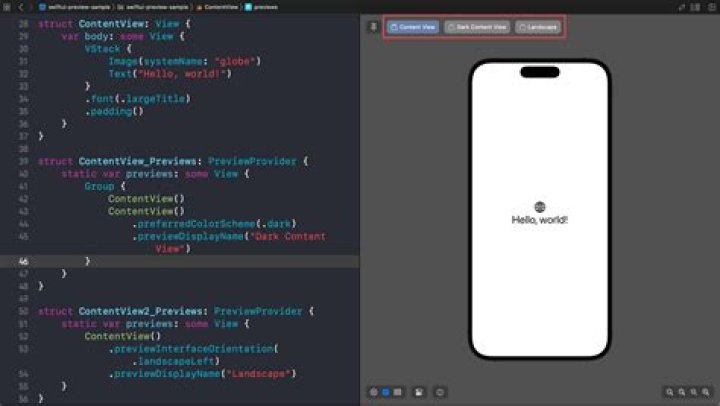
Then checked the ios/Flutter folder on VSCode and saw that the newly created xcconfigs were not present there instead they were inside ios folder:

Therefore had to change the Generated.xcconfig path to:
#include "Flutter/Generated.xcconfig"
instead and it works fine now. A bit misleading from Xcode to show the new xcconfig inside the Flutter folder, but checking normal paths helped me fix this issue.