
I have a URL to a CSV file which, in a browser, I can download and open without issue.
I'm trying to download this file using PowerShell without success. I tried using Invoke-WebRequest, Start-BitsTransfer and using a webrequest object but no luck there.
3 Answers
Invoke-WebRequest comes with a parameter to store its result in a file: -OutFile
Invoke-WebRequest $myDownloadUrl -OutFile c:\file.ext If you need authorization before you can send a request like this:
Invoke-WebRequest $myAuthUrl /* whatever is neccesary to login */ -SessionVariable MySession Invoke-WebRequest $myDownloadUrl -WebSession $MySession To determine the layout of the form where the login happens, you can use Invoke-WebRequests return object. It'll collect information about forms and fields on the HTML (might be Windows only). Mileage of logging in may vary with things like Two-Factor-Auth active or not. Probably you can create some secret link to your file which does not need Auth or possibly google allows you to create a private access token of some sort, which can be send aus Authorization-Header alongside your request.
9TLDR answers*:
Method 1, by default synchronous**
Invoke-WebRequest $url -OutFile $path_to_file (if you get error "...Could not create SSL/TLS secure channel." see Powershell Invoke-WebRequest Fails with SSL/TLS Secure Channel)
Method 2, by default synchronous**
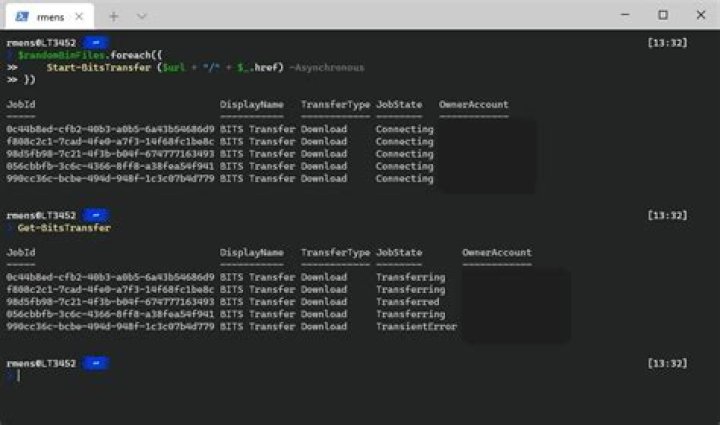
(New-Object System.Net.WebClient).DownloadFile($url, $path_to_file) Method 3, asynchronous and may be much slower than the other two but is very gentle on bandwidth usage (it uses the BITS service).
Import-Module BitsTransfer Start-BitsTransfer -Source $url -Destination $path_to_file Notes:
*: This answer is for those that google for "how to download a file with PowerShell".
**: Read the help pages if you want asynchronous downloading
2For a while now i've been using a PS script to download PowerBI bi-monthly and using the BITS, it's been pretty solid and now so much stronger now since I removed the -Asynchronous at the end of the Start-BitsTransfer
$url = "" $output = "%RandomPath%\PowerBI Pro\PBIDesktopSetup.exe" $start_time = Get-Date
Import-Module BitsTransfer Start-BitsTransfer -Source $url -Destination $output
#Commented out below because it kept creating "Tmp files" #Start-BitsTransfer -Source $url -Destination $output -Asynchronous
1



