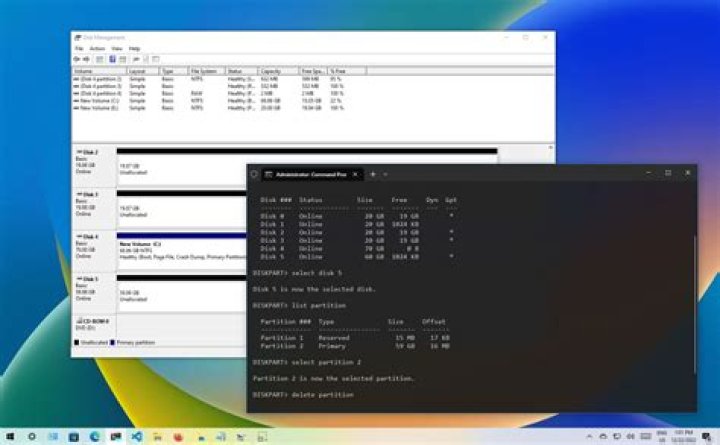

I was trying to convert my MBR disk to GPT disk using MBR2GPT. I first checked the partition list using DiskPart, and I saw there were 4 partitions:
DISKPART>list partition Partition ### Type Size Offset ------------- ---------------- ------- ------- Partition 1 Primary 49 GB 31 KB Partition 0 Extended 415 GB 50 GB Partition 3 Logical 200 GB 50 GB Partition 4 Logical 215 GB 250 GB I checked the extended partition:
DISKPART>detail partition Partition 0 Type : 0F Hidden: No Active: No Offset in Bytes: 53801556480 There is no volume associated with this partition. I tried to delete it but it encountered the following error:
DISKPART> delete partition Virtual Disk Service error: The extended partition is not empty. I tried to format it, but it seems I can't format the extended partition.
11 Answer
You cannot delete the extended partition because you may only select one logical partition at a time and this partition contains several. Thus, you need to delete all the logical partitions first, then delete the extended partition.
You may do so in Disk Management, or if you prefer in diskpart:
Run
cmdas administratorRun
diskpartinsideType list disk
Type select disk n (n is the number of the extended partition)
Type list partition
Type select partition m (m is the number of any partition)
Type delete partition
Repeat steps 6-7 to delete the rest of the logical partitions, followed in the end by the extended partition itself.




