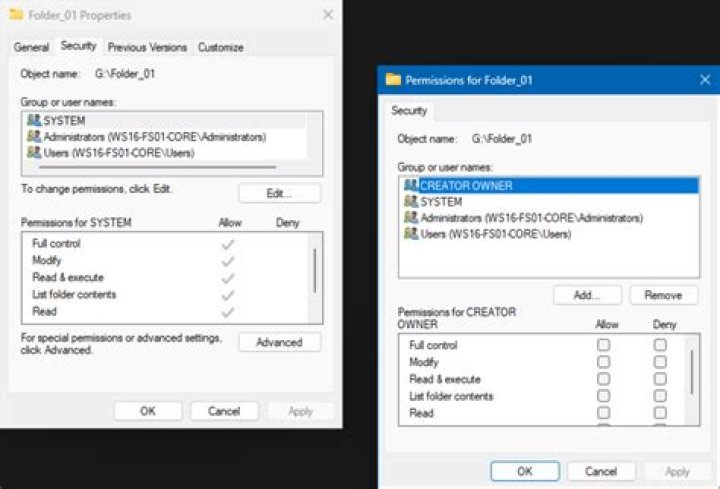

I have applied the following settings to my core html folder:
chown :ftpaccess html -R chmod 0775 html -R setfacl -R -d -m group:ftpaccess:rwx html However whenever anyone creates a new file or folder in the html (or subfolder) it doesn't default to user:ftpaccess with 0775 permissions.
What I get (created as root in nano is):
getfacl test2.txt # file: test2.txt # owner: root # group: root user::rw- group::rwx #effective:rw- group:ftpaccess:rwx #effective:rw- mask::rw- other::r-- What do I need to do to make this apply to subdirectories? I thought the -d would have fixed that. Is it something to do with sticky ?
2 Answers
you have to set the default for the user also:
setfacl -R -d -m user:ftpaccess:rwx html the above command will set the default for the existing folder recursively, if you want apply this ACL for files and folder remove the -d options.
So it appears I am not alone in my problems - and I have since found this great article from 2010:
It would appear that I haven't also re-mounted the partition which would account for why it didn't work as well as running chmod g+s html.