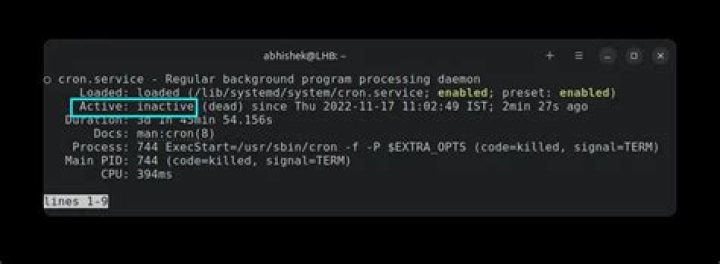

Noticed my cron jobs weren't running (not sure for how long, maybe since I upgraded to 16.04 two weeks ago), and I can't get the service to start.
root@wormhole:~# systemctl start cron.service Job for cron.service failed because the control process exited with error code. See "systemctl status cron.service" and "journalctl -xe" for details. root@wormhole:~# systemctl status cron.service ● cron.service Loaded: loaded (/etc/init.d/cron; bad; vendor preset: enabled) Active: failed (Result: exit-code) since Wed 2019-02-20 23:02:57 EST; 6s ago Docs: man:systemd-sysv-generator(8) Process: 8340 ExecStart=/etc/init.d/cron start (code=exited, status=1/FAILURE) Feb 20 23:02:57 wormhole cron[8340]: Rather than invoking init scripts through /etc/init.d, use the service(8) Feb 20 23:02:57 wormhole cron[8340]: utility, e.g. service cron start Feb 20 23:02:57 wormhole cron[8340]: initctl: Unable to connect to Upstart: Failed to connect to socket /com/ubuntu/upstart: Connection refused Feb 20 23:02:57 wormhole cron[8340]: Since the script you are attempting to invoke has been converted to an Feb 20 23:02:57 wormhole cron[8340]: Upstart job, you may also use the start(8) utility, e.g. start cron Feb 20 23:02:57 wormhole cron[8340]: start: Unable to connect to Upstart: Failed to connect to socket /com/ubuntu/upstart: Connection refused Feb 20 23:02:57 wormhole systemd[1]: cron.service: Control process exited, code=exited status=1 Feb 20 23:02:57 wormhole systemd[1]: Failed to start cron.service. Feb 20 23:02:57 wormhole systemd[1]: cron.service: Unit entered failed state. Feb 20 23:02:57 wormhole systemd[1]: cron.service: Failed with result 'exit-code'. 1 Answer
An upgrade from 14.04 to 16.04 was not completely successful, leaving me with an old version of cron. The fix was:
sudo apt-get install --fix-missing sudo dpkg --configure -a sudo apt-get install cron