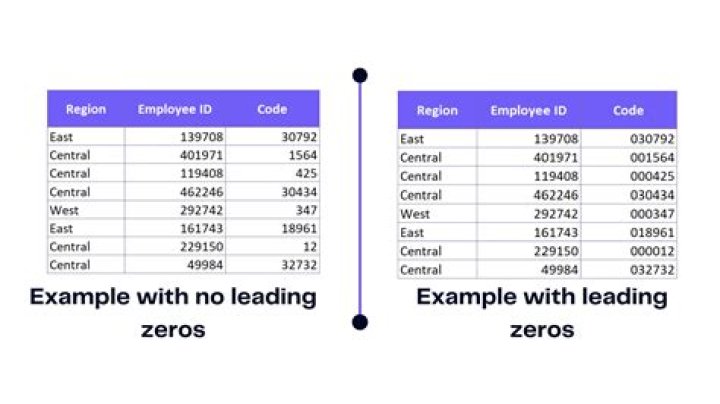

I have found this Ask Ubuntu answer and changed it to:
newdir=$(printf "%04d") find . -maxdepth 1 -type f -name '*.mp3' -print0 | \ sort -z | while IFS= read -d '' -r file; do \ mkdir -p "$newdir" && mv "$file" "$newdir" ; ((newdir++)); done It works, but only the first folder gets leading zeros. I want all folders to be numbered with a four-digit number.
The files should be moved to the folders in the same order as with -ls l or displayed here in this example:
001_003.mp3 001_007.mp3 001_021.mp3 001_035.mp3 002_010.mp3 002_013.mp3 002_029.mp3 To achieve that, I added the -z option to the sort command (like used in the original code under the link above).
Any help would be appreciated.
1 Answer
Assuming bash
n=0 find . -maxdepth 1 -type f -name '*.mp3' -print0 | \ sort -z | while IFS= read -d '' -r file; do \ printf -v newdir '%04d' $((n++)); mkdir -p "$newdir" && mv "$file" "$newdir/" ; done If you are using a shell that doesn't support the printf -v, then you can use a command substitution like in your original version i.e. newdir=$( printf '%04d' $((n++)) )