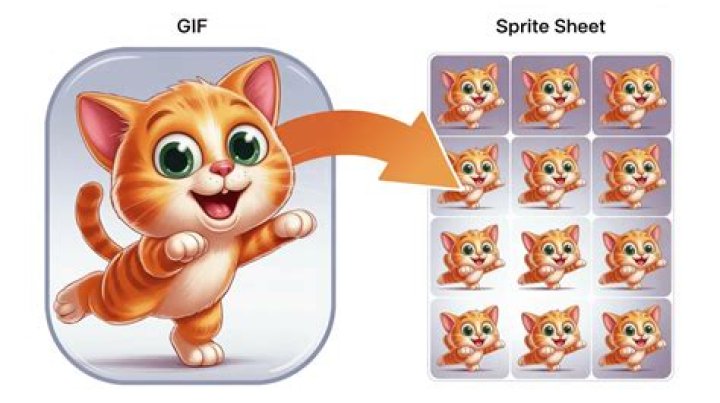

How can I convert a .gif to a .ani and maintain all the frames from the gif when converting over to ani in C#?
21 Answer
I was not able to find any .NET libraries for writing ANI-files. However, if running a command to call an external executable is an option, ani-gif is a CLI written in Rust for converting GIFs to ANI. No pre-built binaries are available at the time of writing, so you would have to build it yourself using Cargo:
git clone cd ./ani-gif cargo build --release ani-gif.exe can then be found in ./ani-gif/target/release. This executable can be called from C# as follows:
using System.Diagnostics; const string cliPath = @"path\to\ani-gif.exe"; void ConvertGifToAni(string gifPath, string aniPath, uint frameRate, string hotSpot="0:0") { var startInfo = new ProcessStartInfo { FileName = cliPath, ArgumentList = { "convert", "-g", gifPath, "-a", aniPath, "-f", frameRate.ToString(), "--hotspot", hotSpot, }, CreateNoWindow = true, }; var proc = Process.Start(startInfo); proc?.WaitForExit(); } ConvertGifToAni( gifPath: @"path\to\cursor.gif", aniPath: @"path\to\cursor.ani", frameRate: 5); This should retain all of the original frames.
0