
I have a computer running Ubuntu Server 16.04.
I have set up webmin which works great. Webmin is using its own port and I can connect to that no problem both within my local network and remote locations.
I have SSH also properly working on its own port(reconfigured to my own chosen port for security reasons). I can connect remotely and locally with that as well.
As a side note, I also have SSL set up for my domain name using letsencrypt. Not sure if any of the previous information is needed but I definitely want to give as much information as possible just in case these things may be causing conflict.
I am now trying to set up a simple ftp server using vsftpd for the purpose of uploading files through an ftp client directly to the directory of /var/www/html. I intend to use this setup to update the website I am currently working on. ALSO, If using FTP isn't the preferred method of doing this or if you think there is a better option, I'm all ears. I have been working at getting this FTP working now for like 10 hours and it's really frustrating. It seems like it should be simple and it probably was caused from a simple mistake that has a simple fix.
Anyways, I have done as I did with the previous installations and opened up the default ports on both my router and webmin firewall. I then configured vsftpd with the following settings.
listen=YES anonymous_enable=YES local_enable=YES write_enable=YES anon_upload_enable=YES anon_mkdir_write_enable=YES chroot_local_user=NO allow_writeable_chroot=NO secure_chroot_dir=/var/run/vsftpd/empty pam_service_name=vsftpd rsa_cert_file=/etc/letsencrypt/live/ rsa_private_key_file=/etc/letsencrypt/live/ ssl_enable=YES local_root=/var/www/html pasv_min_port=40000 pasv_max_port=50000 userlist_enable=YES userlist_file=/etc/vsftpd.userlist userlist_deny=NO listen_port=21 To possibly answer a few more questions based on the information provided: 1. I have opened ports 20-22, 990, and 40000-50000. 20-22 for FTP and SFTP. 990 for FTPS. Lastly ports 40000-50000 as my pasv ports. All of which were opened when trying to figure out this connectivity issue. 2. My userlist is written as follows: user1 user2 Im not sure if that is how the program reads the file though, so I thought I'd mention that. 3. Yes, I am concealing usernames, IPs, and domain names. so is not what is written in my file. Also user1 and user2 aren't my real usernames.
Onto the issue itself. This is what I get from when trying to access ftp:
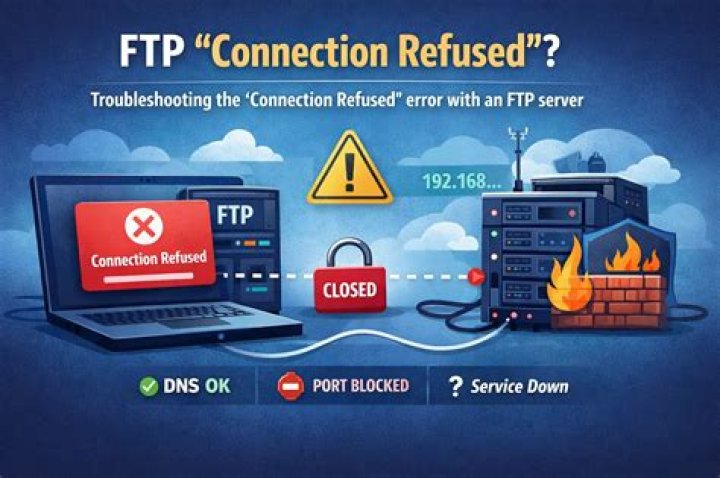
user1@www:~$ ftp x.x.x.x ftp: connect: Connection refused ftp> quit user1@www:~$ ftp -p x.x.x.x ftp: connect: Connection refused ftp> The connection is refused whether I'm local and using my local IP address, or remote and using the public IP.
Any help would be much appreciated. I just want this over with. :/
UPDATE 1:
Telnet gave me this response:
user1@www:~$ telnet x.x.x.x 21 Trying x.x.x.x... telnet: Unable to connect to remote host: Connection refused 1 Answer
Thanks for the help!
Some setting in the vsftpd.conf file must have been wrong. After restoring that file to its default state, the issue disappeared.
For anyone else having the same issue try the following:
Backup the current configuration file.
sudo mv /etc/vsftpd.conf /etc/vsftpd.backup
Uninstall vsftpd and purge the configuration files.
sudo apt-get remove --purge vsftpd
Lastly, re-install vsftpd.
sudo apt-get install vsftpd
Now Test Settings.
ftp -p x.x.x.x
obviously replacing the 'X's with your actual IP address. Local IP if within the network, and Public IP from outside the network.