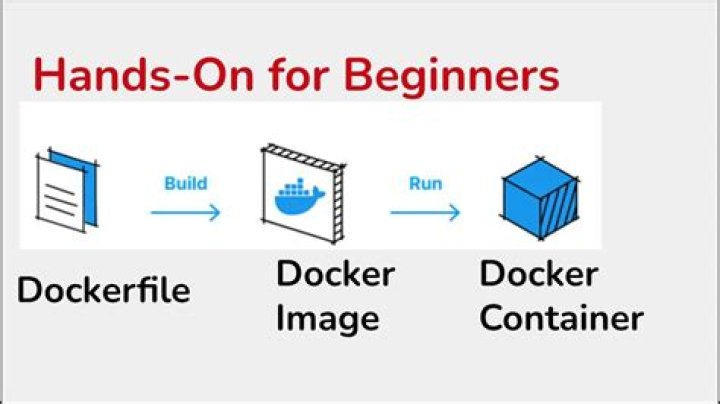

Trying to make Dockerfile for postgres db need for my app.
Dockerfile
FROM postgres:9.4 RUN mkdir /sql COPY src/main/resources/sql_scripts/* /sql/ RUN psql -f /sql/create_user.sql RUN psql -U user -W 123 -f create_db.sql RUN psql -U user -W 123 -d school_ats -f create_tables.sql run
docker build . result:
Sending build context to Docker daemon 3.367 MB Step 1 : FROM postgres:9.4 ---> 6196bca94565 Step 2 : RUN mkdir /sql ---> Using cache ---> 6f57c1e759b7 Step 3 : COPY src/main/resources/sql_scripts/* /sql/ ---> Using cache ---> 3b496bfb28cd Step 4 : RUN psql -a -f /sql/create_user.sql ---> Running in 33b2230a12fa psql: could not connect to server: No such file or directory Is the server running locally and accepting connections on Unix domain socket "/var/run/postgresql/.s.PGSQL.5432"? The command '/bin/sh -c psql -a -f /sql/create_user.sql' returned a non-zero code: 2 How can I specify db in docker for my project?
12 Answers
When building your docker image postgres is not running. Database is started when container is starting, any sql files can be executed after that. Easiest solution is to put your sql files into special directory:
FROM postgres:9.4 COPY *.sql /docker-entrypoint-initdb.d/ When booting startup script will execute all files from this dir. You can read about this in docs in section How to extend this image.
Also, if you need different user you should set environment variables POSTGRES_USER and POSTGRES_PASSWORD. It's easier then using custom scripts for creating user.
As the comment above says during the image build you don't get a running instance of Postgres.
You could take slightly different approach. Instead of trying to execute SQL scripts yourself you could copy them to /docker-entrypoint-initdb.d/ directory. They will be executed when the container starts up.
Have a look how postgres:9.4 image is build:
Also in your Dockerfile use variables to set database details:
- POSTGRES_DB
- POSTGRES_USER
- POSTGRES_PASSWORD




