I'm running Docker on Windows 10.
I have a simple Dockerfile:
# Use an exisisting docker image as base FROM alpine # Download and install a dependency RUN apk add --update redis # Tell the image what to do when it starts as a container CMD ["redis-server"] However when I run it in command prompt
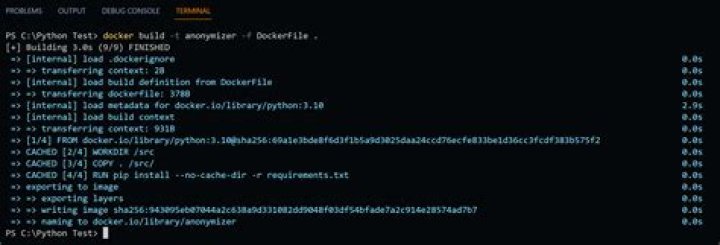
docker build . CMD part never executes and it shows only two steps instead of 3 in the logs:

While in the tutorial I'm following the third step, the CMD part does get executed:
My Docker version is:
What am I doing wrong?
1 Answer
It's not supposed to be run. CMD defines the default command to run when you execute the container, not when you build it. You'll see the value set when you inspect the image.
Note there is only one value for CMD, so setting it again overrides the previous value, and it can be set when the container is created. With docker run, that override is anything specified after the image name. E.g. docker run --rm busybox:latest echo hello overrides the default /bin/sh CMD with echo hello.
For more details, see the Dockerfile reference:
2



