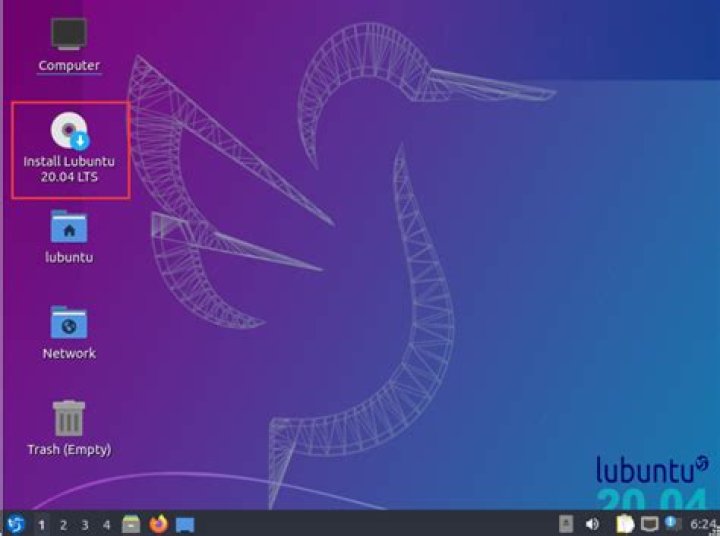

I've installed Lubuntu 20.04 x64, and wanted to install chromium browser.
I used the command-
sudo apt-get install chromium-browser but it displayed-
=> Installing the chromium snap ==> Checking connectivity with the snap store ==> Installing the chromium snap 2020-04-24T16:08:43 INFO Waiting for restart... It remained stuck at this message for almost an hour, until I've to finally kill the process.
2 Answers
I had the same issue during an upgrade to Ubuntu 20.04. During the installation of the Chromium snap package, I would see this message:
INFO waiting for automatic snapd restart And then the installation process was just doing nothing as that automatic restart never happened. So I unlocked progress in the installation process again by executing the expected restart manually:
sudo service snapd restart Snaps install through its service snapd and the client snap; that client failed for reasons unknown, so you must clear away the failed install. Run
sudo snap remove chromium-browser before trying again to reinstall. If reinstalling also fails, kill the snap client process again, and reset the Snap state using this script
4