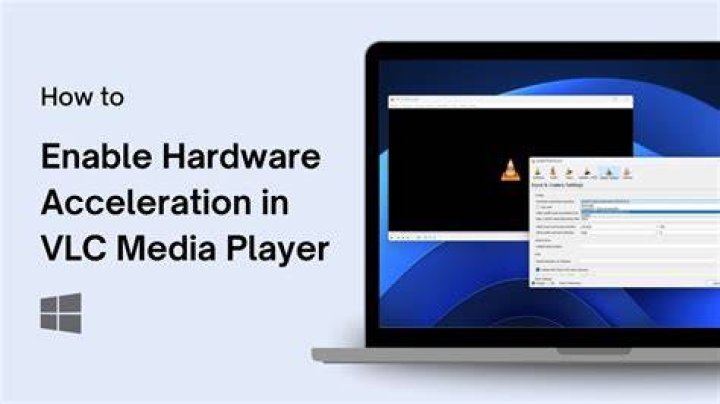

After installing Catalyst 11.12 and studying instructions (1, 2) to enable hardware acceleration I ended up with the following command:
sudo apt-get install xvba-va-driver libva-glx1 vainfo && \ vainfo && \ vlc --verbose 2 --ffmpeg-hw video.1080p.x264.mkv The output confirms that it's using the VA API:
avcodec decoder: Using VA API version 0.32 for hardware decoding. But even after a reboot the video still looks choppy. There's no vlc output to indicate that the codec is having trouble, or that it's skipping frames. Any idea what could be the problem?
Using vlc 1.1.12 with default settings.
Also tried (in sequence):
sudo apt-get install libva-glx1sudo apt-get install --reinstall libgl1-mesa-glx:i386 libgl1-mesa-glx:amd64 libgl1-mesa-dri:i386 libgl1-mesa-dri:amd64 xserver-xorg-core- Rebooting
No luck yet.
Specs from /proc/cpuinfo : Intel Core i7 CPU 950 @ 3.07GHz
3 Answers
Try upgrading to VLC 2.0.1 if possible.
What processor are you using? The CPU alone should be able to handle 1080p H264 video. That is assuming, of course, that your CPU is decent, and I base that assumption on you having a Radeon HD 6900 series graphics card.
1Your CPU should be able to decode everything without the need of GPU acceleration.
If VLC doesn't work well you can try a different player: my favorite one is SMplayer (avaible in Software Center).
Same problem here. I'm using NVidia an hardware acceleration works fine with mplayer.
Executing vlc -vvv shows the problem looks to be related to avcodec and multithreading:
305 [0xb7049a70] avcodec decoder debug: allowing 4 thread(s) for decoding 306 [0xb7049a70] avcodec decoder warning: threaded frame decoding is not compatible with ffmpeg-hw, disabled 307 [0xb7049a70] avcodec decoder debug: ffmpeg codec (H264 - MPEG-4 AVC (part 10)) started
A custom compilation from VLC sources ("install build dependencies" -> ./bootstrap -> ./configure -> make -> sudo make install) works fine.
1