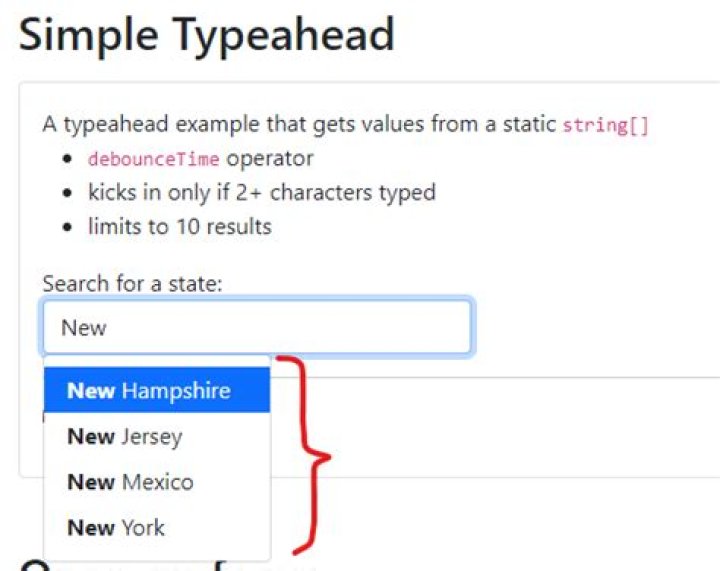

I am using typeahead from Angular ng-bootstrap -
Everything is working fine, but I want multiple values on one single text box.
As that field is a form group, once one value is selected, it should can allow next one, without removing previous one.
1 Answer
You can build a custom multi-value select box on top of ng-bootstrap typeahead quite easily. The "trick" is to prevent selection of an item (so it is not bound to the model as a single value) and push it to a collection instead. Very easy to achieve while listening to the selectItem event, ex.: (selectItem)="selected($event)":
selected($e) { $e.preventDefault(); this.selectedItems.push($e.item); this.inputEl.nativeElement.value = ''; } As soon as you've got your selected items in a collection, you can display it before the input field:
<div> <span *ngFor="let item of selectedItems"> {{item}} <span (click)="close(item)"> x</span> </span> <input #input type="text" [ngbTypeahead]="search" (selectItem)="selected($event)" autofocus placeholder="Select something..."/> </div> Sprinkle a bit of custom CSS and you've got a multi-select working! Here is a complete example in a plunker:
Also see detailed discussion in
1



