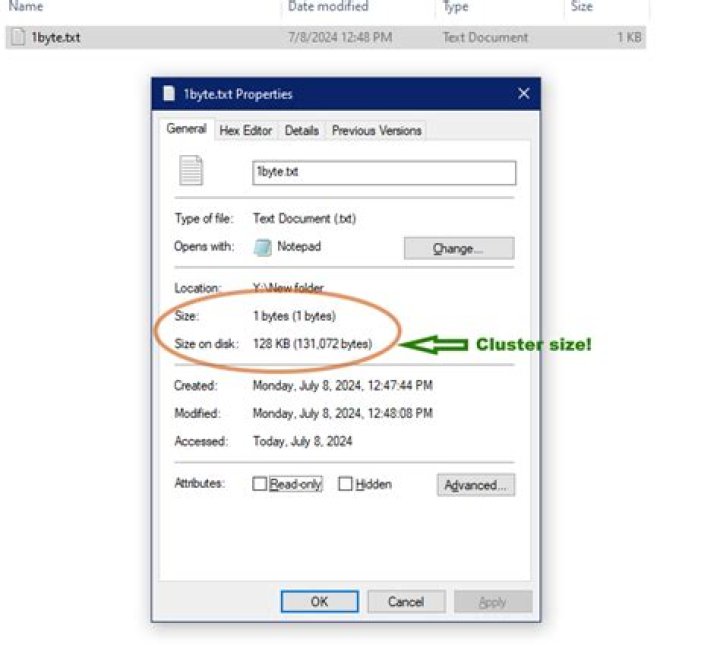

How do I check the cluster/allocation size of an exFAT drive on Windows?
2 Answers
You can use wmic
C:\>wmic volume get driveletter,blocksize BlockSize DriveLetter 4096 D: 4096 C:
On powershell you'll have various solutions like below
PS C:\> (Get-Volume C).AllocationUnitSize 4096 PS C:\> (Get-WmiObject win32_volume | where { $_.driveletter -eq 'C:' }).BlockSize 4096 Alternatively you can also run fsutil fsinfo ntfsinfo drive: as admin to get more detailed information, or use fsutil fsinfo ntfsinfo <drive> | findstr /c:"Bytes Per Cluster" to get just the cluster size
Right-click the drive and click "format", and the pop-up window will show the current cluster size under "allocation unit size". Be careful that you don't actually format the disk though!




