
How could we change the numbering language of MS Excel 2010 by changing Windows language
In version 2007 as I can remember we had an option in the advanced options tab that allowed us to do that with setting it as "Context" ,
so it smartly change the numbering system whenever we change the language of Windows .
13 Answers
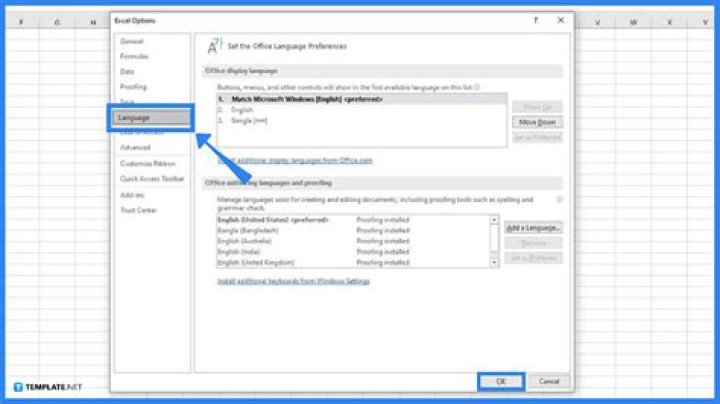
file - options - language and under choose editing languages add the language you'd like to use. Once it's added, set as default
If you want to convert numeric numbers to Arabic numbers:
- Select the area of cells that you want to change
- Press Ctrl+1 for Format Cell
- Go to Custom and type this code:
[$-2060000]0
- Select the area of the cells that you need to change
- Press Ctrl+1 using keybard
- Go to Customes and type this code: [$-2000000]#,##0.00
- This will give you comma seperate and 2 decimals




