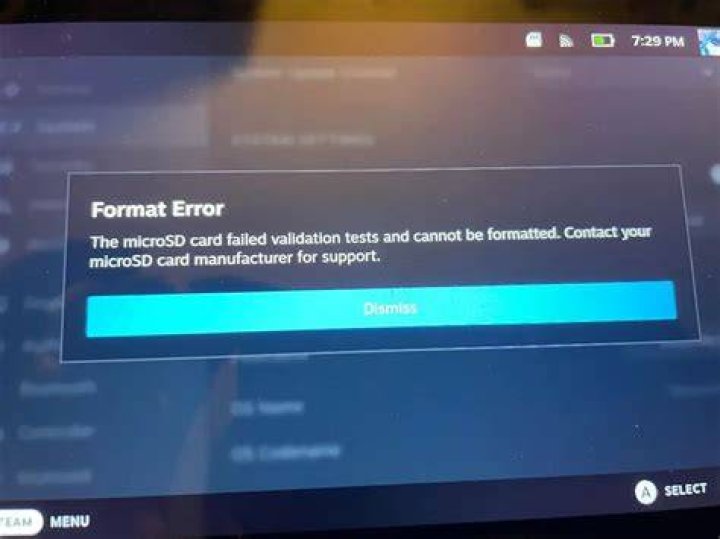
I am trying to mount my micro SD card but it shows write-protected. I have tried disabling using the notch on the adapter. I also ran the following commands:
lsblk -p
/dev/mmcblk0 179:0 0 29.7G 1 disk ├─/dev/mmcblk0p1 179:1 0 43.9M 1 part /media/somnath/boot └─/dev/mmcblk0p2 179:2 0 29.7G 1 part I also tried using fdisk:
somnath@dell:~$ sudo fdisk -l /dev/mmcblk0 Disk /dev/mmcblk0: 29.74 GiB, 31914983424 bytes, 62333952 sectors Units: sectors of 1 * 512 = 512 bytes Sector size (logical/physical): 512 bytes / 512 bytes I/O size (minimum/optimal): 512 bytes / 512 bytes Disklabel type: dos Disk identifier: 0x1e020d01 Device Boot Start End Sectors Size Id Type /dev/mmcblk0p1 8192 98045 89854 43.9M c W95 FAT32 (LBA) /dev/mmcblk0p2 98304 62333951 62235648 29.7G 83 Linux I tried formatting:
somnath@dell:~$ sudo mkfs.vfat -F32 -v /dev/mmcblk0 mkfs.fat 4.1 (2017-01-24) mkfs.vfat: unable to open /dev/mmcblk0: Device or resource busy Here's the output from Disks: