
I first downloaded open-jdk with:
sudo apt-get install openjdk-6-jdk When I write java -version I get:
java version "1.7.0_09" OpenJDK Runtime Environment (IcedTea7 2.3.4) (7u9-2.3.4-0ubuntu1.12.10.1) OpenJDK 64-Bit Server VM (build 23.2-b09, mixed mode) and when I write javac -version I get:
javac 1.6.0_24 Then I downloaded Tomcat 6 from
I unzipped the file, and tried to run sudo bash startup.sh in the /bin directory. Then I get this message:
Using CATALINA_BASE: /home/apache-tomcat-6.0.36 Using CATALINA_HOME: /home/apache-tomcat-6.0.36 Using CATALINA_TMPDIR: /home/apache-tomcat-6.0.36/temp Using JRE_HOME: /usr Using CLASSPATH: /home/apache-tomcat-6.0.36/bin/bootstrap.jar I have also tried to install Tomcat as a service with sudo apt-get install tomcat6 then I get the message:
sudo apt-get install tomcat6 Reading package lists... Done Building dependency tree Reading state information... Done The following packages were automatically installed and are no longer required: ... Use 'apt-get autoremove' to remove them. Suggested packages: tomcat6-docs tomcat6-admin tomcat6-examples tomcat6-user libtcnative-1 The following NEW packages will be installed: tomcat6 0 upgraded, 1 newly installed, 0 to remove and 28 not upgraded. Need to get 0 B/30.2 kB of archives. After this operation, 258 kB of additional disk space will be used. Preconfiguring packages ... Selecting previously unselected package tomcat6. (Reading database ... 85488 files and directories currently installed.) Unpacking tomcat6 (from .../tomcat6_6.0.35-5_all.deb) ... Processing triggers for ureadahead ... Setting up tomcat6 (6.0.35-5) ... * Starting Tomcat servlet engine tomcat6 [fail] invoke-rc.d: initscript tomcat6, action "start" failed. When I run this:
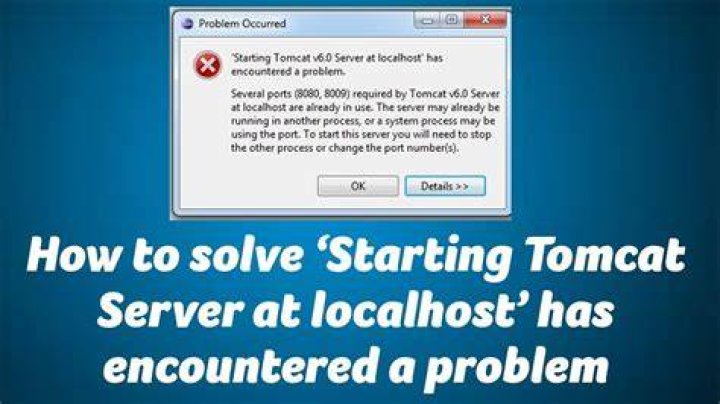
$ sudo /etc/init.d/tomcat6 start * Starting Tomcat servlet engine tomcat6 [fail] The server just won't start. I set it up exactly the same in Windows, running startup.bat, and it worked. Anyone got a clue what is the problem? There are no error messages.
1 Answer
This happened to me also on Ubuntu.
To fix I first cleaned / reinstalled tomcat6 using apt
sudo apt-get --purge remove tomcat6 tomcat6-common tomcat6-admin sudo apt-get install tomcat6 tomcat6-common tomcat6-admin Then launched using:
sudo /etc/init.d/tomcat6 restart Then check the error log when the fail message appears:
tail /var/log/tomcat6/catalina.2013-05-03.log Got a few missing directory issues so fixed those, restarting each time until no more errors appear here.
Then check the out log:
tail /var/log/tomcat6/catalina.out This showed some java errors (missing classes).
After some searching found env variables not being set can cause issues, fixed by adding these two lines to /etc/environment:
CATALINA_HOME=/usr/share/tomcat6 CATALINA_BASE=/var/lib/tomcat6 Then imported these / checked with:
source /etc/environment echo $CATALINA_HOME Also fixed lib symlink using:
cd /var/lib/tomcat6 sudo ln -s /usr/share/java lib After doing all of that the next restart worked and I am now able to see the "It Works!" page by navigating to: