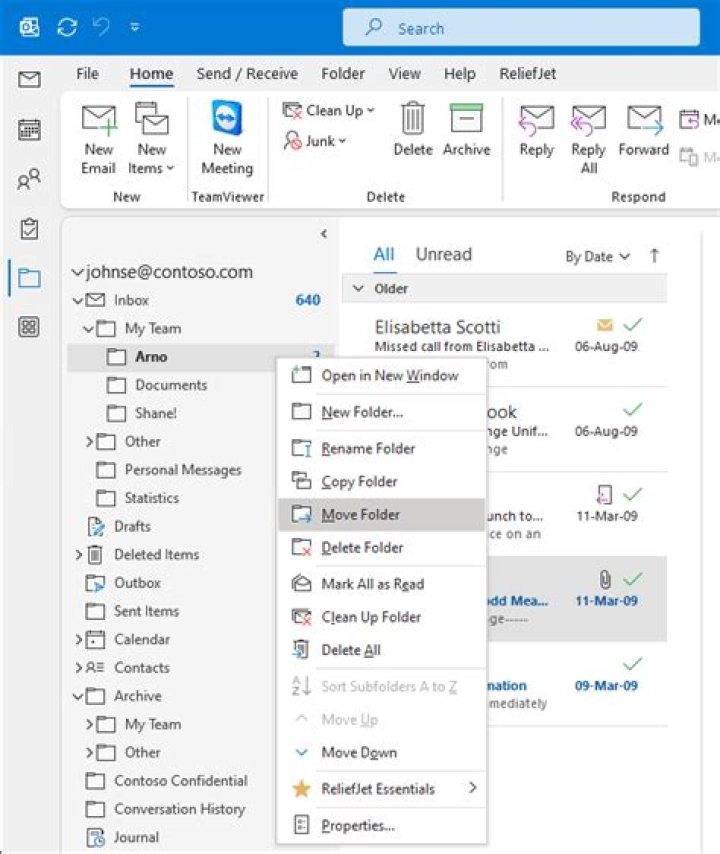

We're using Office365 with the desktop Outlook client. There are several folders (RSS Subscriptions, Outbox, Junk Email) that I don't use. I don't want to delete them, but is there any way to hide them in the folder tree?
1 Answer
Yes there are a couple of ways - none of which are straight forward.
You can use a tool like MFCMAPI
MFCMAPI will let you set the hidden attribute on a folder.
You can use VBA (Press ALT+F11 to open the VBA editor) - select your folder and run the following:
Option Explicit Public Sub HideOutlookFolders() Dim oOutlookFolder As Outlook.Folder Dim oPropertyAccessor As Outlook.propertyAccessor Dim PropName, Value, FolderType As String PropName = "" Value = True Set oOutlookFolder = Application.ActiveExplorer.CurrentFolder Set oPropertyAccessor = oFolder.propertyAccessor oPropertyAccessor .SetProperty PropName, Value Set oOutlookFolder = Nothing Set oPropertyAccessor = Nothing End Sub