
bigloop=setInterval(function () { var checked = $('#status_table tr [id^="monitor_"]:checked'); if (checked.index()===-1 ||checked.length===0 || ){ bigloop=clearInterval(bigloop); $('#monitor').button('enable'); }else{ (function loop(i) { //monitor element at index i monitoring($(checked[i]).parents('tr')); //delay of 3 seconds setTimeout(function () { //when incremented i is less than the number of rows, call loop for next index if (++i < checked.length) loop(i); }, 3000); }(0)); //start with 0 } }, index*3000); //loop period I have the code above and sometimes it is working, sometimes it is not. I am wondering if the clearInterval actually clear the timer?? because there is this monitor button that will only be disabled when it is in monitoring function. I have another clearInterval when an element called .outputRemove is clicked. See the code below:
//remove row entry in the table $('#status_table').on('click', '.outputRemove', function () { deleted= true; bigloop= window.clearInterval(bigloop); var thistr=$(this).closest('tr'); thistr.remove(); $('#monitor').button('enable'); $('#status_table tbody tr').find('td:first').text(function(index){ return ++index; }); }); But it was enabled for a while before it is disabled again. Will clearInterval get the program out from the setInterval function?
1 Answer
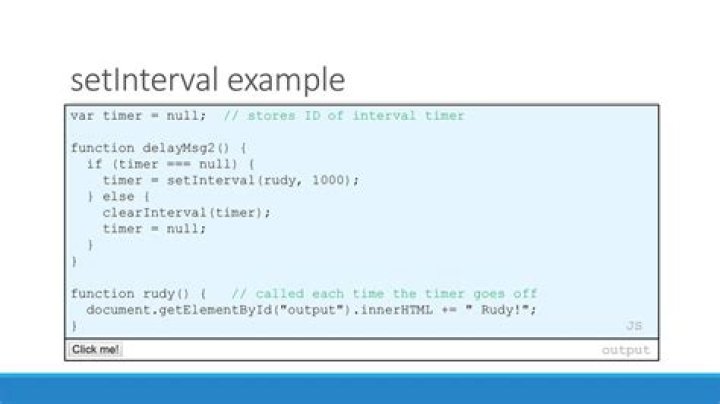
Yes you can. You can even test it:
var i = 0; var timer = setInterval(function() { console.log(++i); if (i === 5) clearInterval(timer); console.log('post-interval'); //this will still run after clearing }, 200);In this example, this timer clears when i reaches 5.




